

How to turn your photo into pop art
Upload Your Image
Open the app and select your image from your photo library to get started.
Select the Pop Art Style
Image is automatically converted into pop art.
Save and Share
Once you're done, save the new image directly to your camera roll or share it.
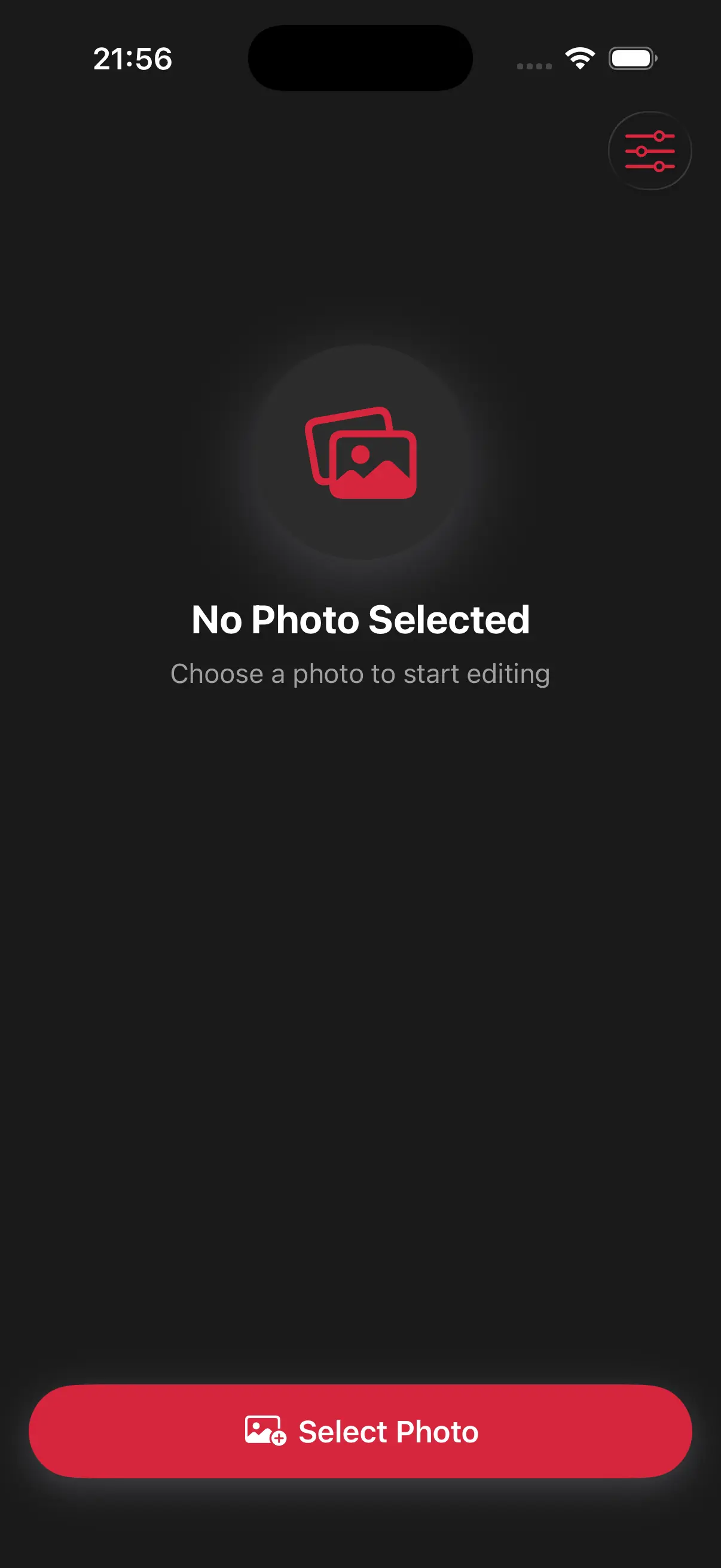
Choose image from your photo library
Easily upload any image from your photo library into the app to get started. Whether it's a personal photo or group photo, our app is ready to handle it.
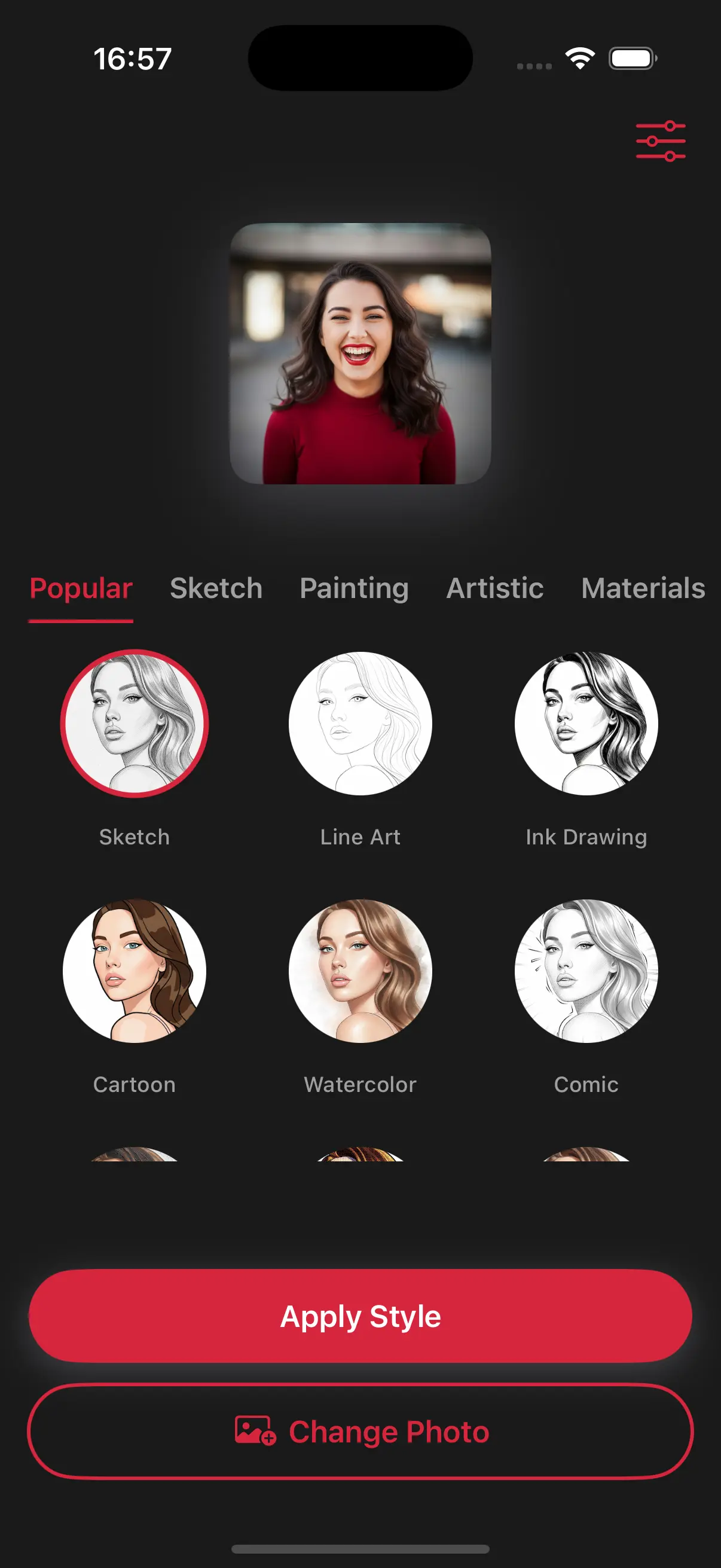
Choose a drawing style
Select a drawing style from a variety of options. See the transformation in real-time as your photo is converted into stunning art.
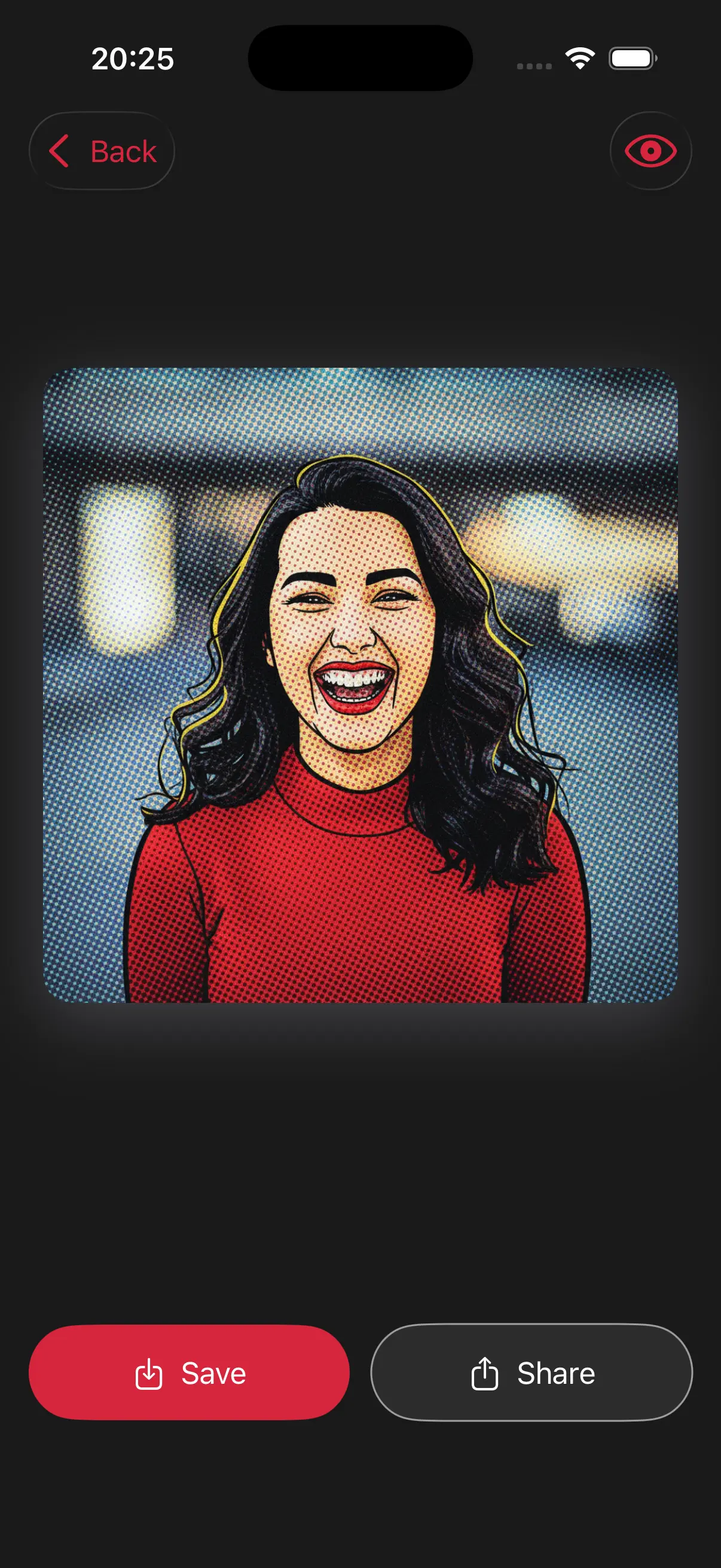
Create Beautiful Pop Art
Our pop art style adds dots and saturated colors to your photos. It's the perfect way to create a retro, cool look for your room or your feed.
Frequently Asked Questions
Is this like the Andy Warhol style?
Exactly! It uses those same bright, contrasting colors to make a portrait really stand out.
Why are there tiny dots on my Pop Art photo?
Those are Ben-Day dots, a classic printing technique used in old comic books to create color and shading. It's a signature part of the Pop Art look!.
Can I use this for a colorful poster?
Yes, the Pop Art style is perfect for printing. The bold colors and heavy contrast make it stand out even from across a room.