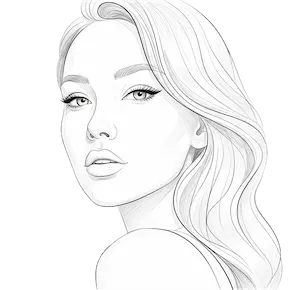

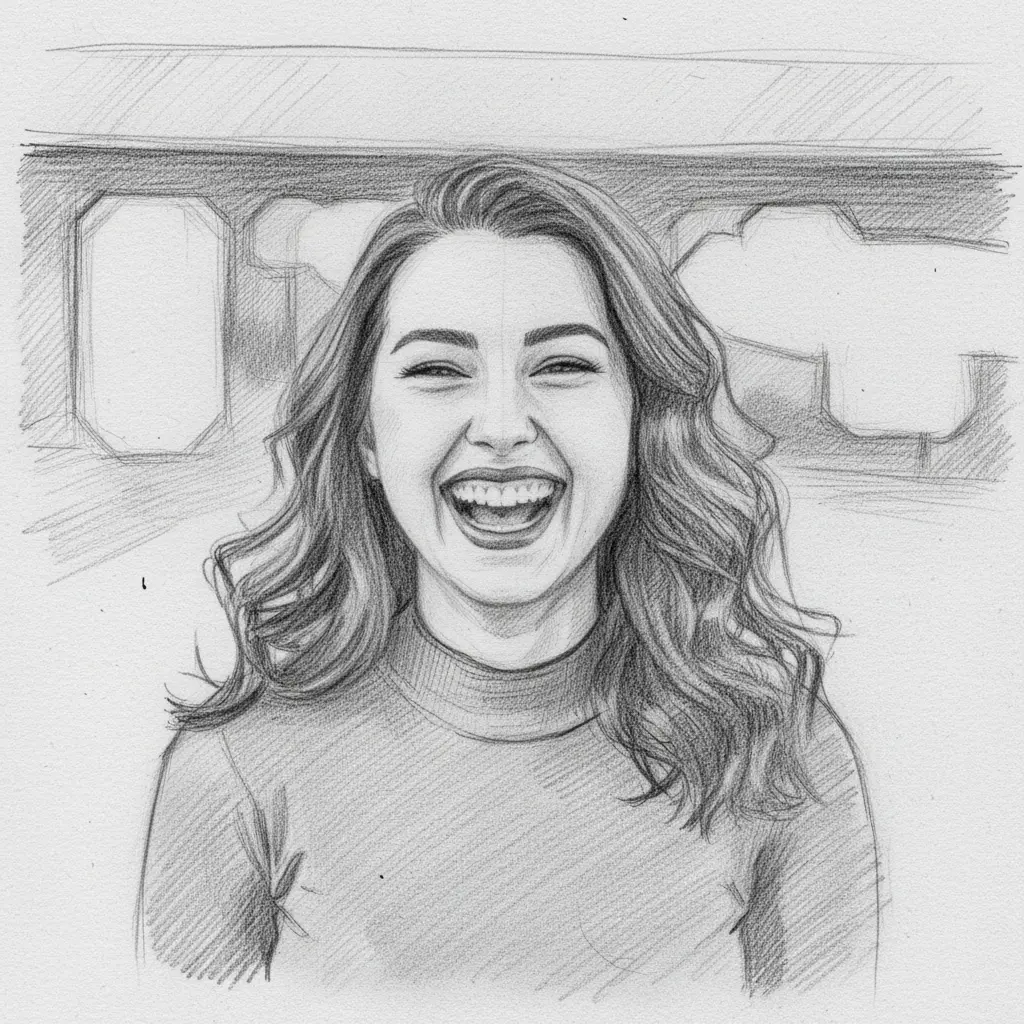
How to turn your photo into a pencil drawing
Upload Your Image
Open the app and select your image from your photo library to get started.
Select the Pencil Drawing Style
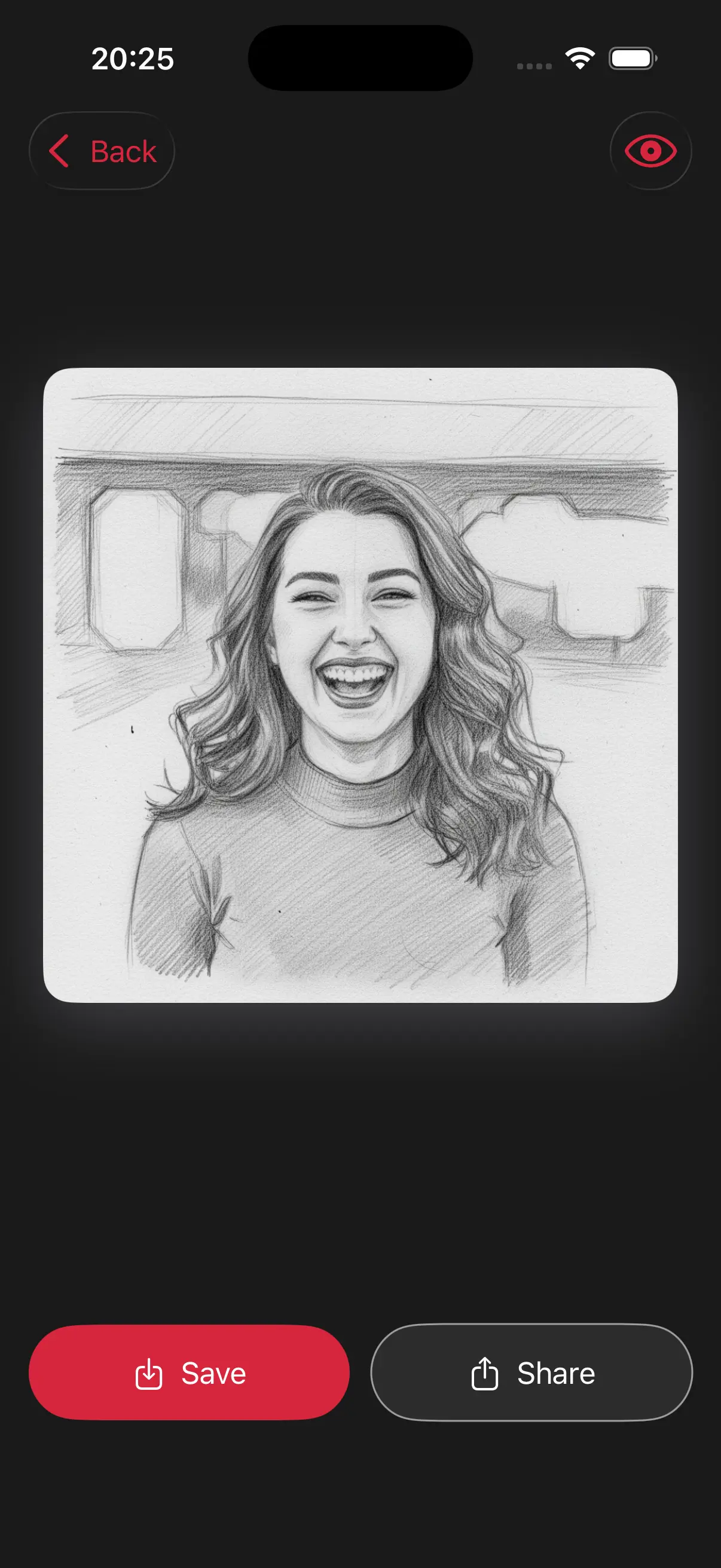
Image is automatically converted into a pencil drawing.
Save and Share
Once you're done, save the new image directly to your camera roll or share it.
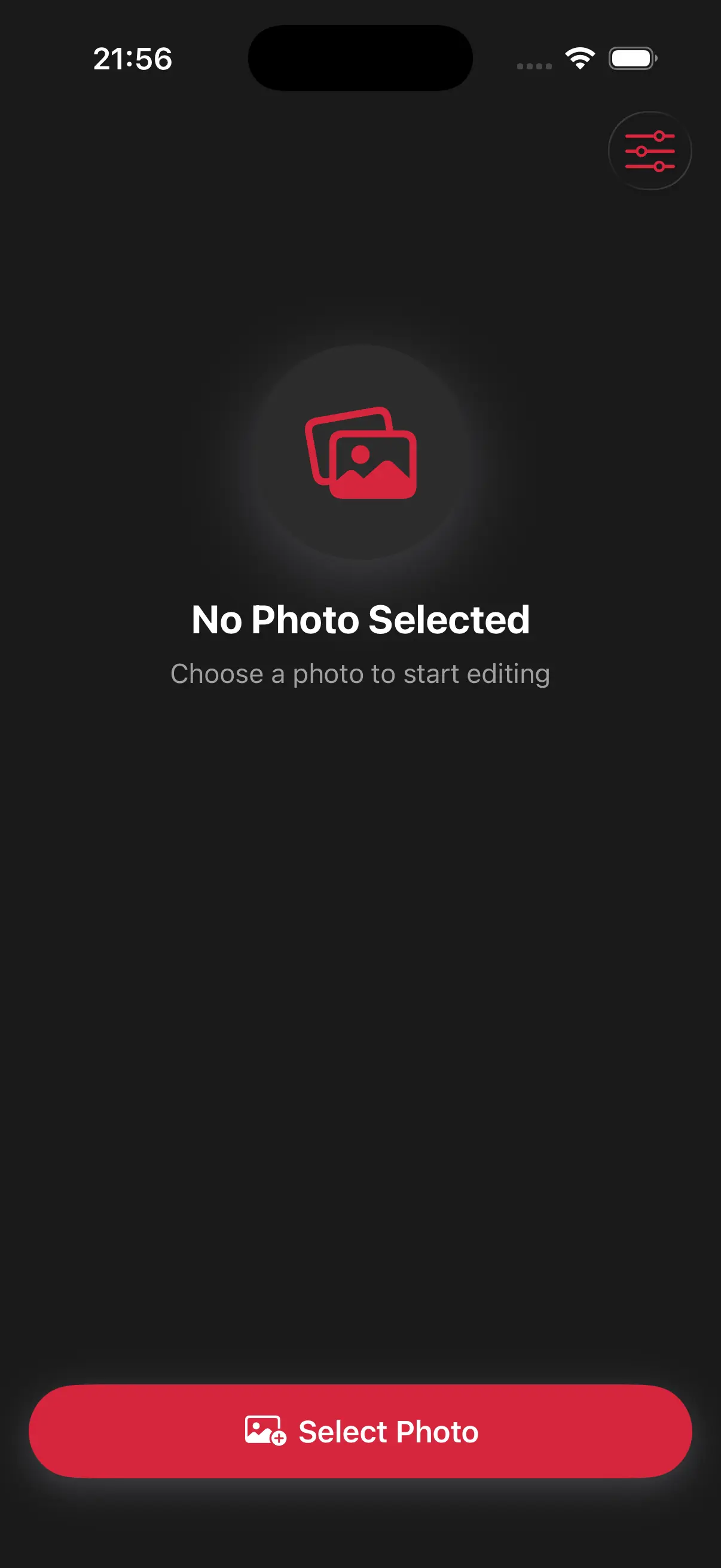
Choose image from your photo library
Easily upload any image from your photo library into the app to get started. Whether it's a personal photo or group photo, our app is ready to handle it.
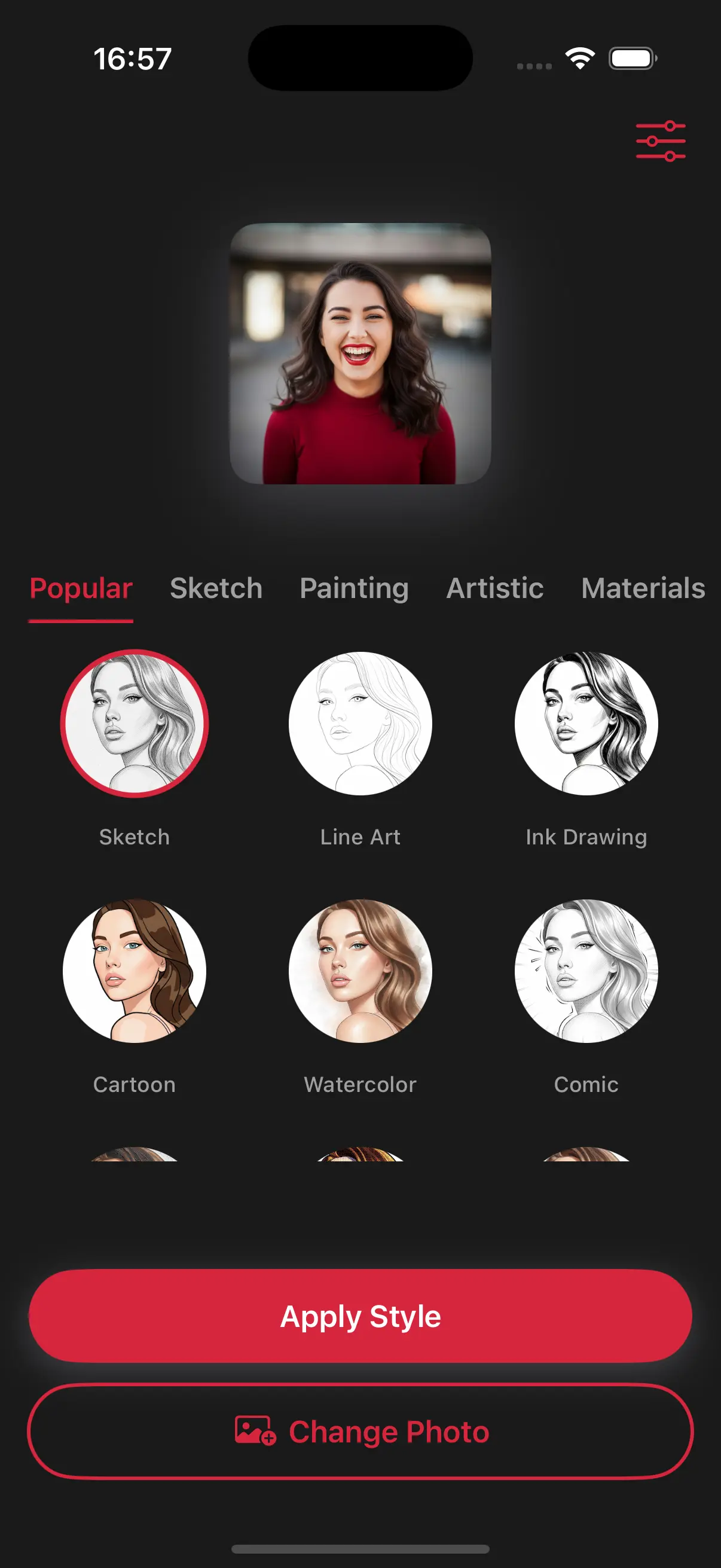
Choose a drawing style
Select a drawing style from a variety of options. See the transformation in real-time as your photo is converted into stunning art.
Create Beautiful Pencil Sketches
The app analyzes the edges of your photo to create authentic-looking pencil strokes. It looks just like a real artist spent hours with a sketchbook and a set of drawing pencils.
Frequently Asked Questions
Can I turn any photo into a sketch?
Yes! Whether it's a selfie or a travel photo, our app detects the details and turns them into a clean pencil drawing.
Can I choose between a light sketch and a dark pencil drawing?
The app automatically balances the "lead" weight based on your photo's lighting, but you can always try different drawing styles to find the perfect shade of graphite.
Will it capture the small details like hair or eyes?
Our pencil style is designed to detect fine lines, ensuring that even small details like eyelashes or hair strands look like they were drawn with a sharp pencil.