
How to turn your photo into an oil painting
Upload Your Image
Open the app and select your image from your photo library to get started.
Select the Oil Painting Style
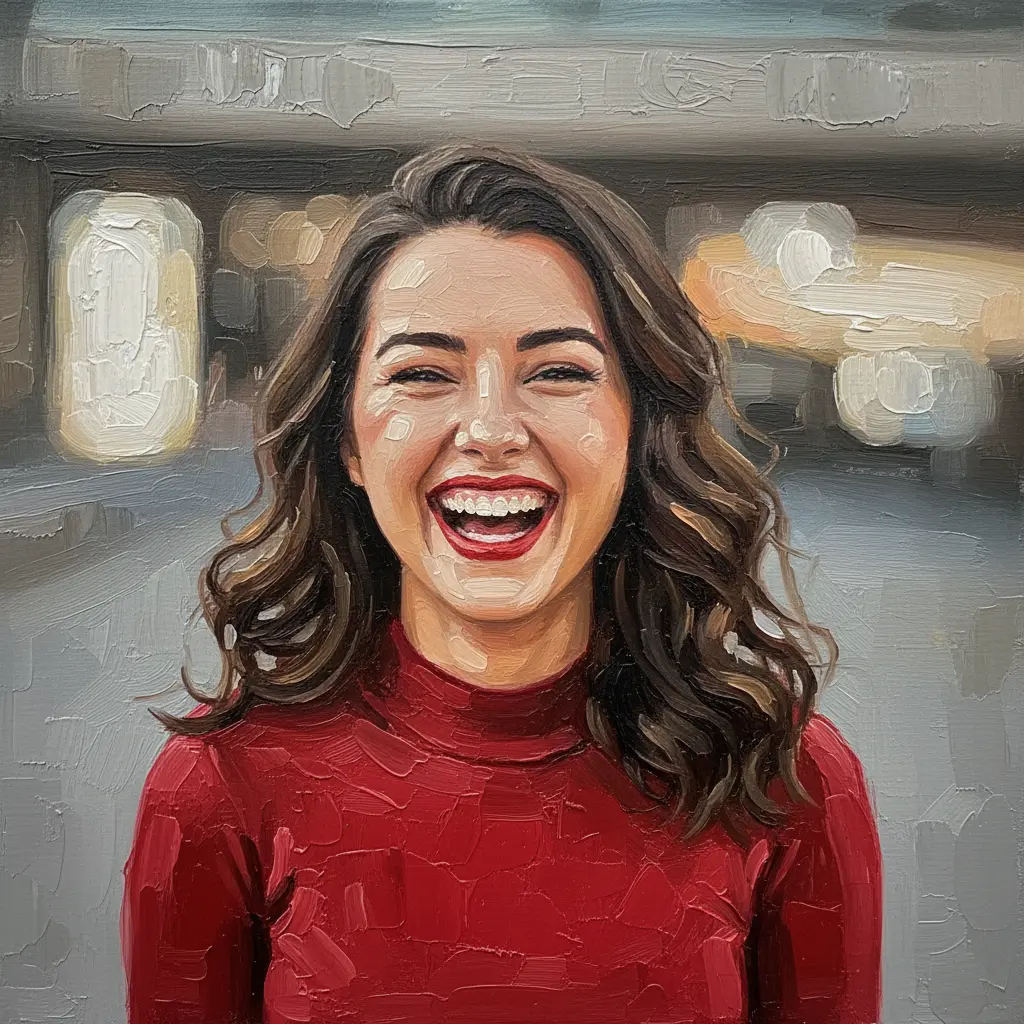
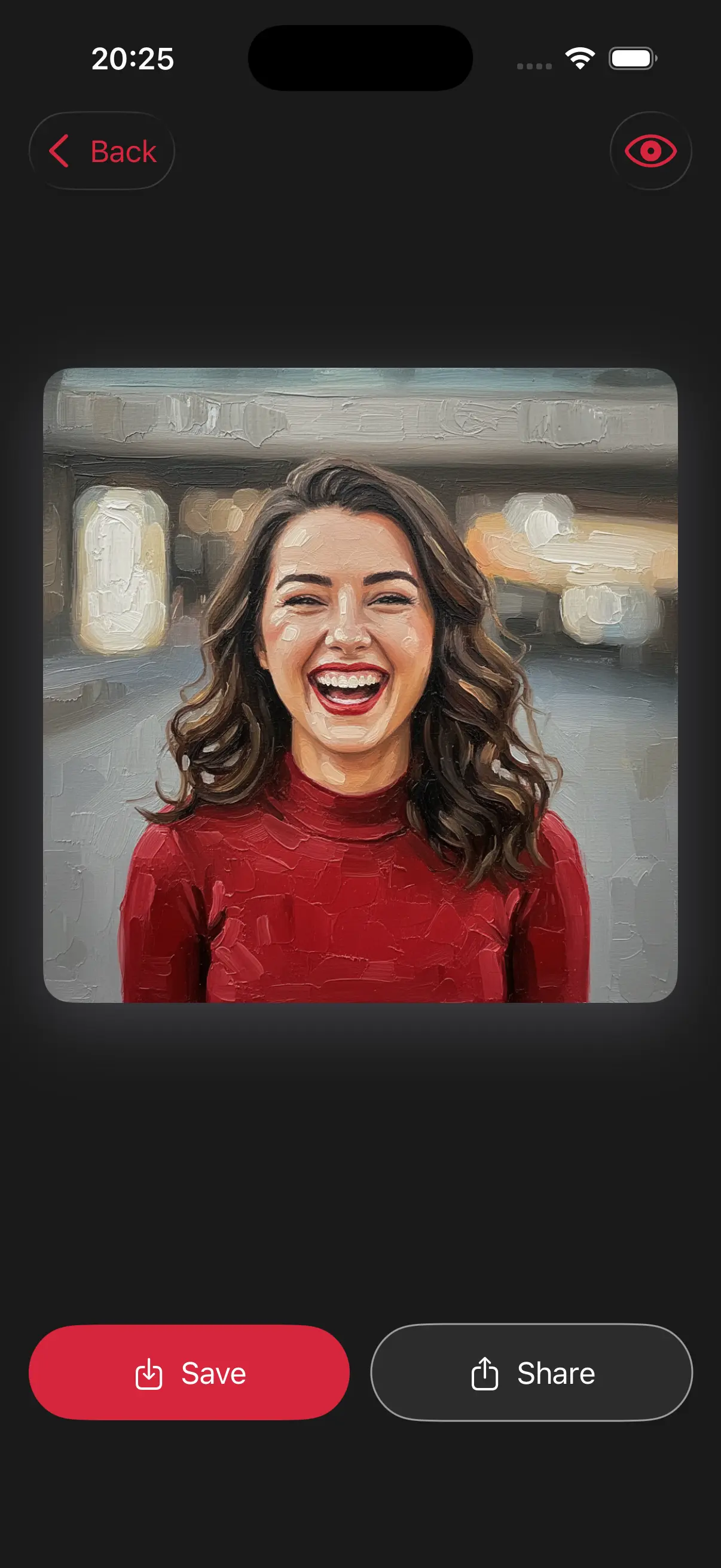
Image is automatically converted into an oil painting.
Save and Share
Once you're done, save the new image directly to your camera roll or share it.
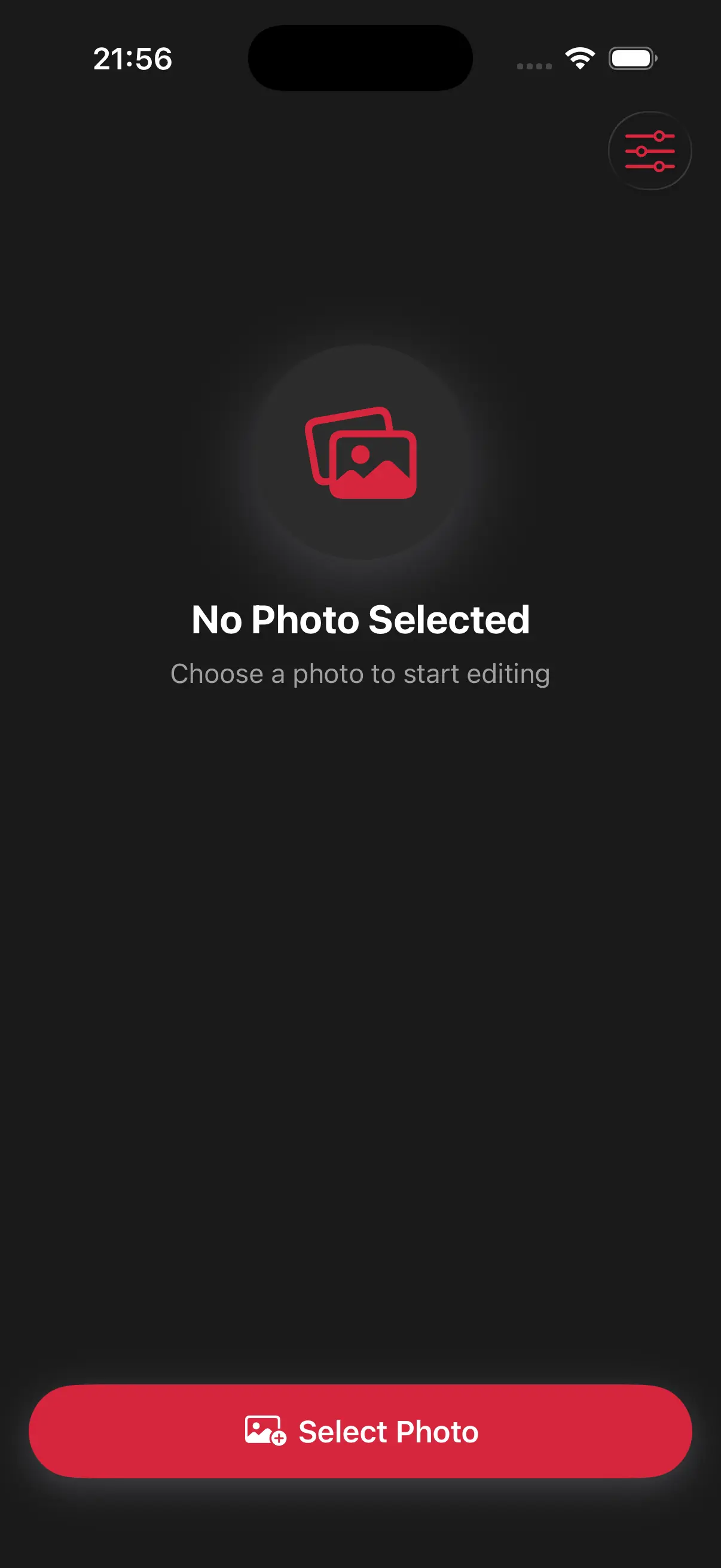
Choose image from your photo library
Easily upload any image from your photo library into the app to get started. Whether it's a personal photo or group photo, our app is ready to handle it.
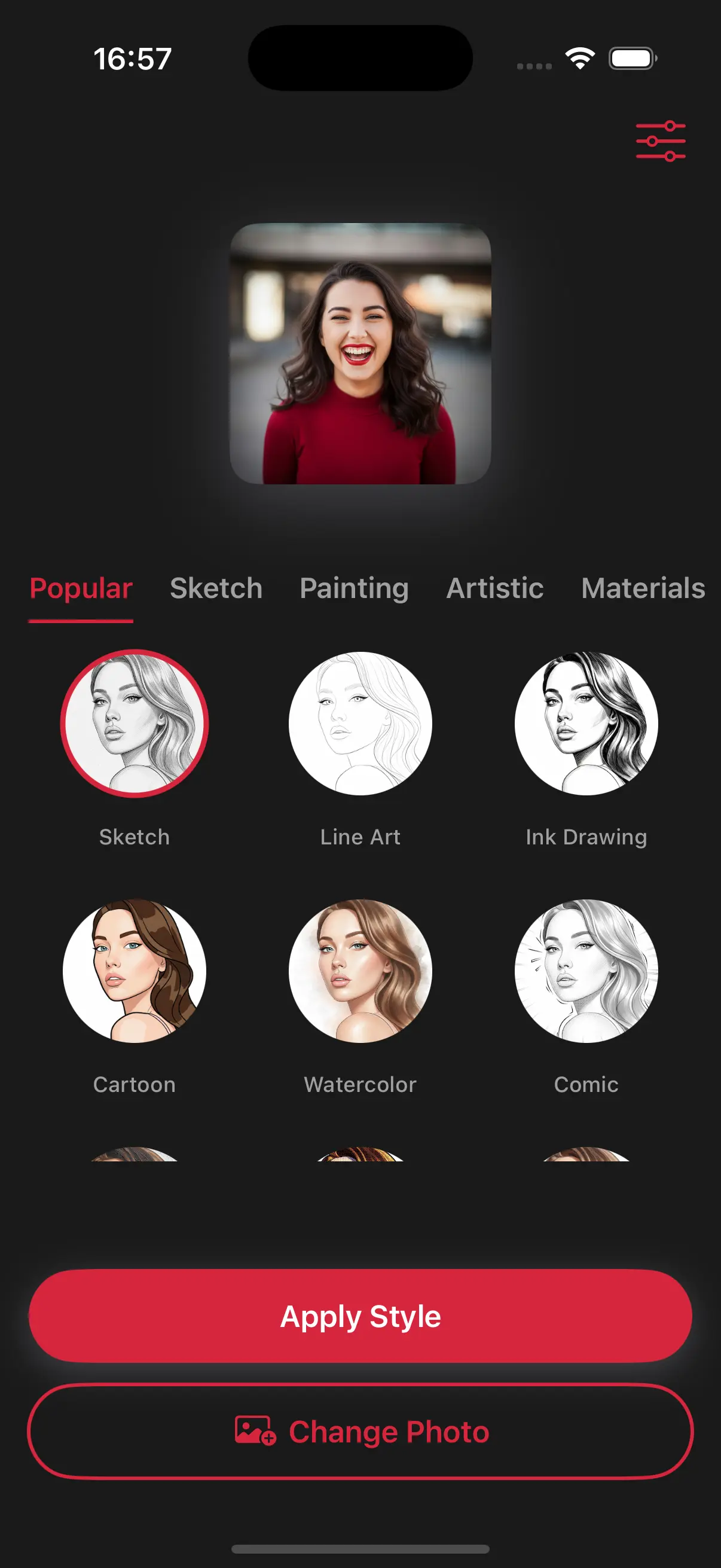
Choose a drawing style
Select a drawing style from a variety of options. See the transformation in real-time as your photo is converted into stunning art.
Create Beautiful Oil Paintings
This isn't just a flat filter. Our app simulates the way oil paint sits on a canvas, adding depth and weight to the colors to make your photo look like a physical painting.
Frequently Asked Questions
Does it look like a real painting?
Yes! The AI mimics real-life brushwork, making it perfect for printing on canvas to hang in your home.
Can I see the texture of the canvas in the final image?
Yes, the style includes a subtle canvas grain underneath the heavy oil brushstrokes to make the digital painting look like it was painted on real fabric.
Will the colors be more vibrant than my original photo?
Our oil style often enriches the colors, giving them the deep, saturated glow that is famous in traditional oil-on-canvas works.