
How to turn your photo into woodcut art
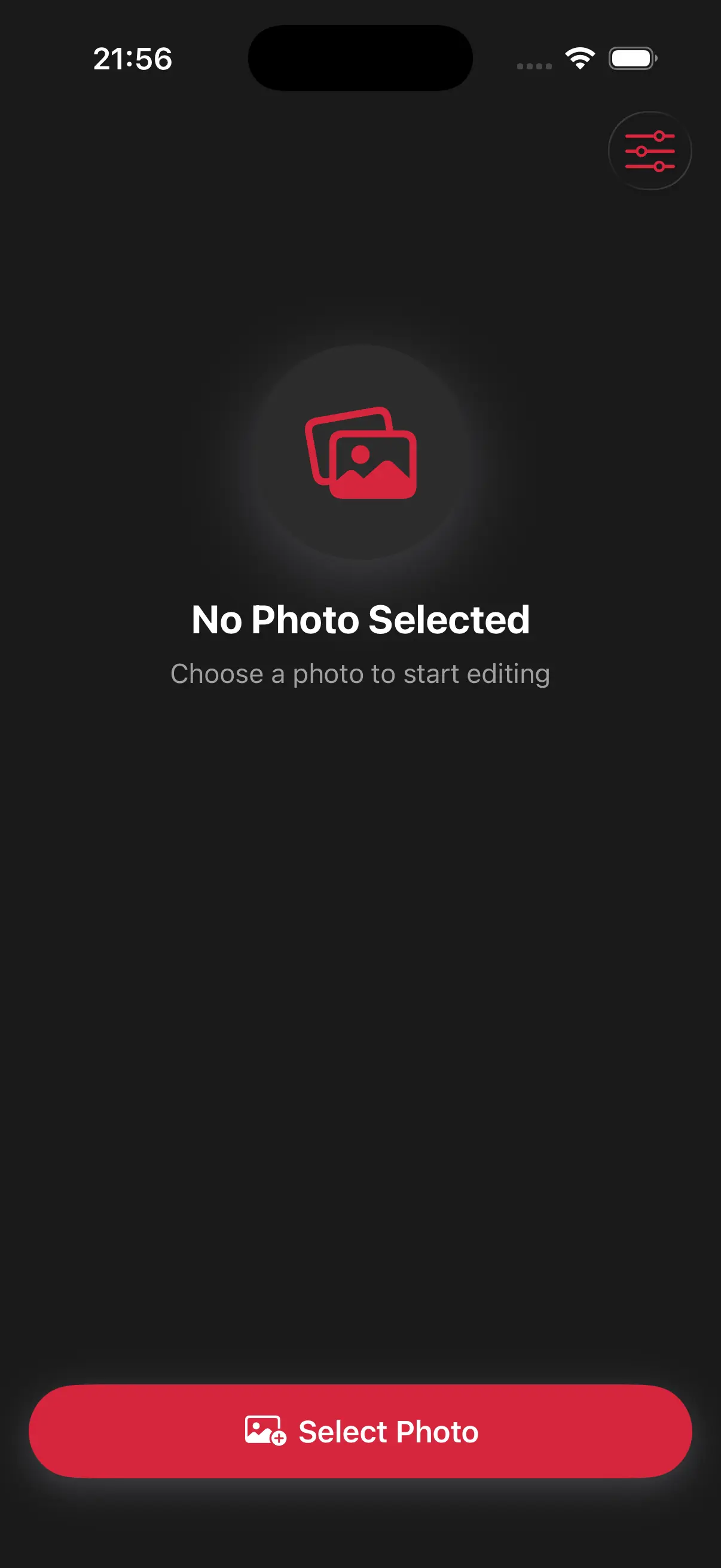
Upload Your Image
Open the app and select your image from your photo library to get started.
Select the Woodcut Art Style
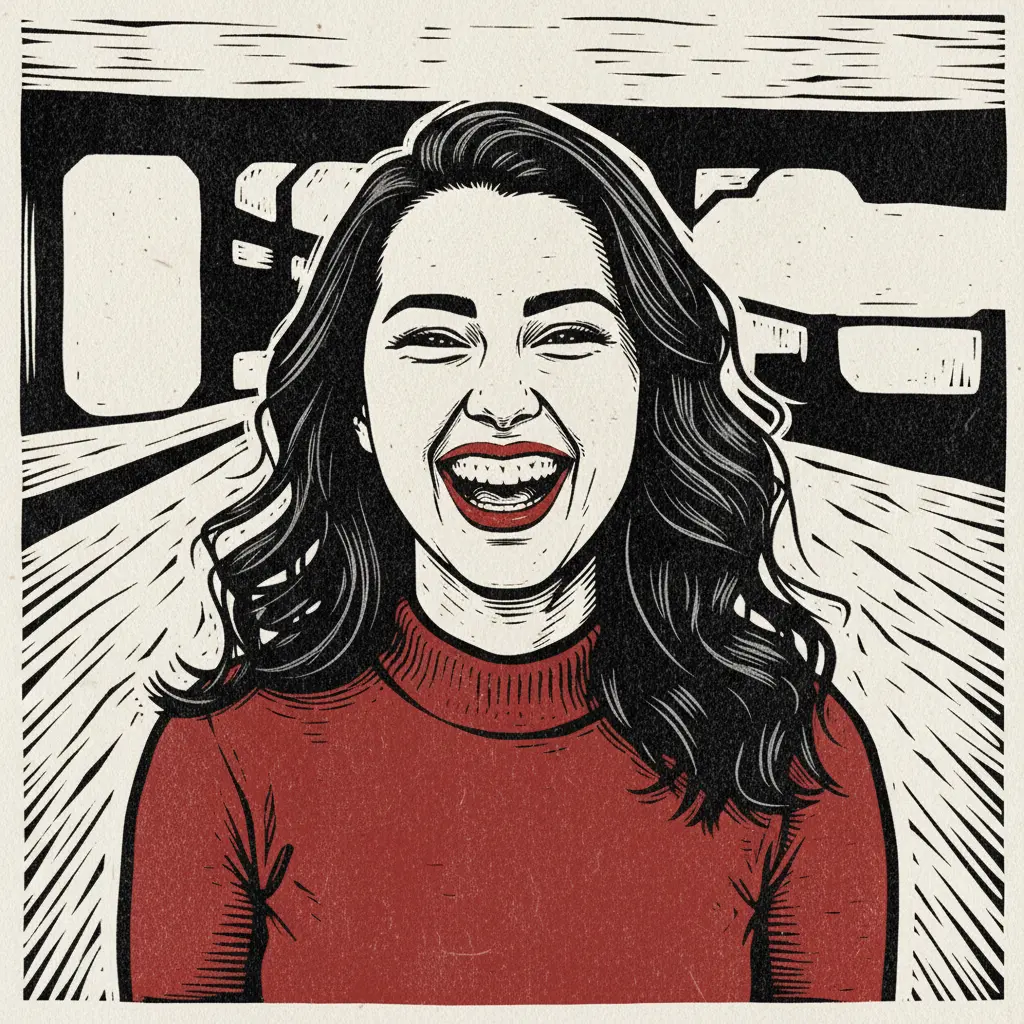
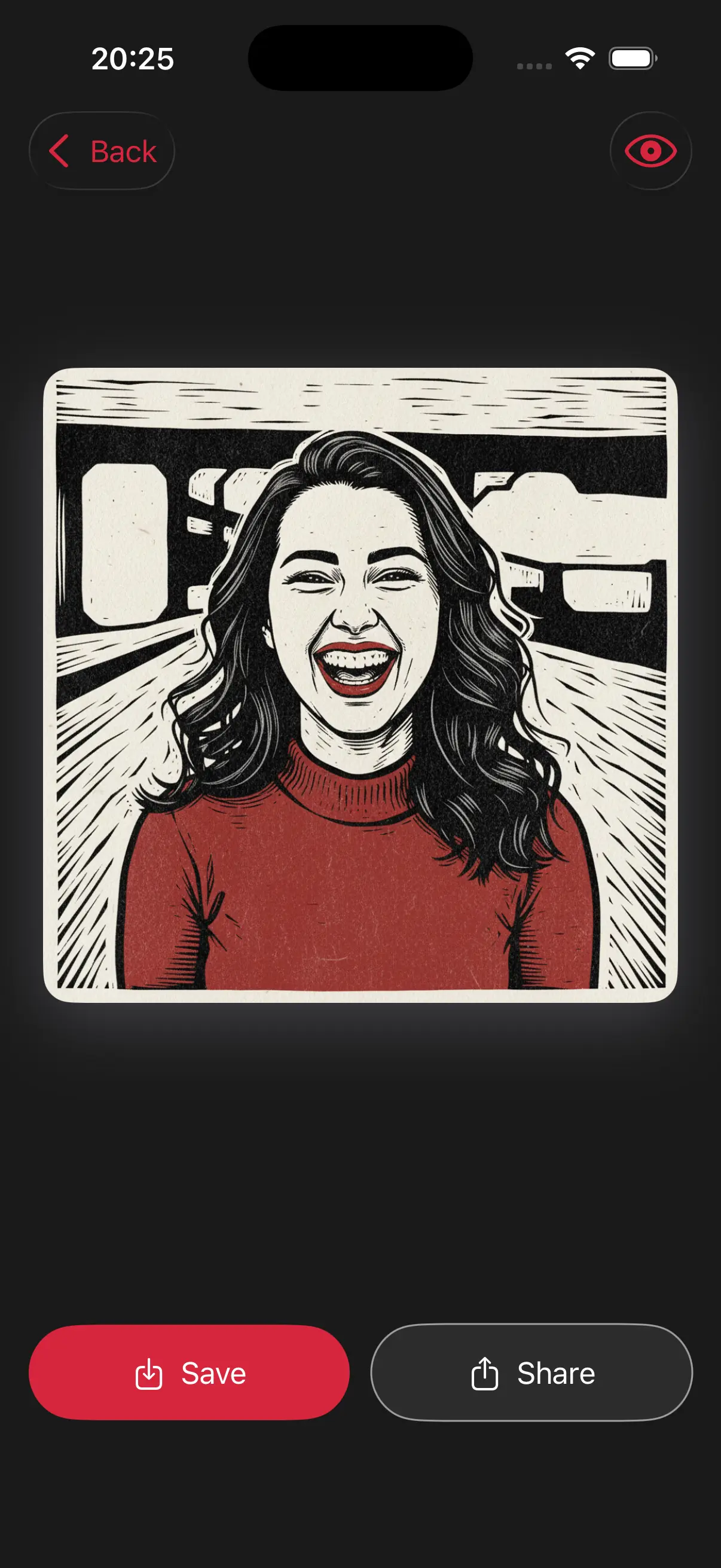
Image is automatically converted into woodcut art.
Save and Share
Once you're done, save the new image directly to your camera roll or share it.
Choose image from your photo library
Easily upload any image from your photo library into the app to get started. Whether it's a personal photo or group photo, our app is ready to handle it.
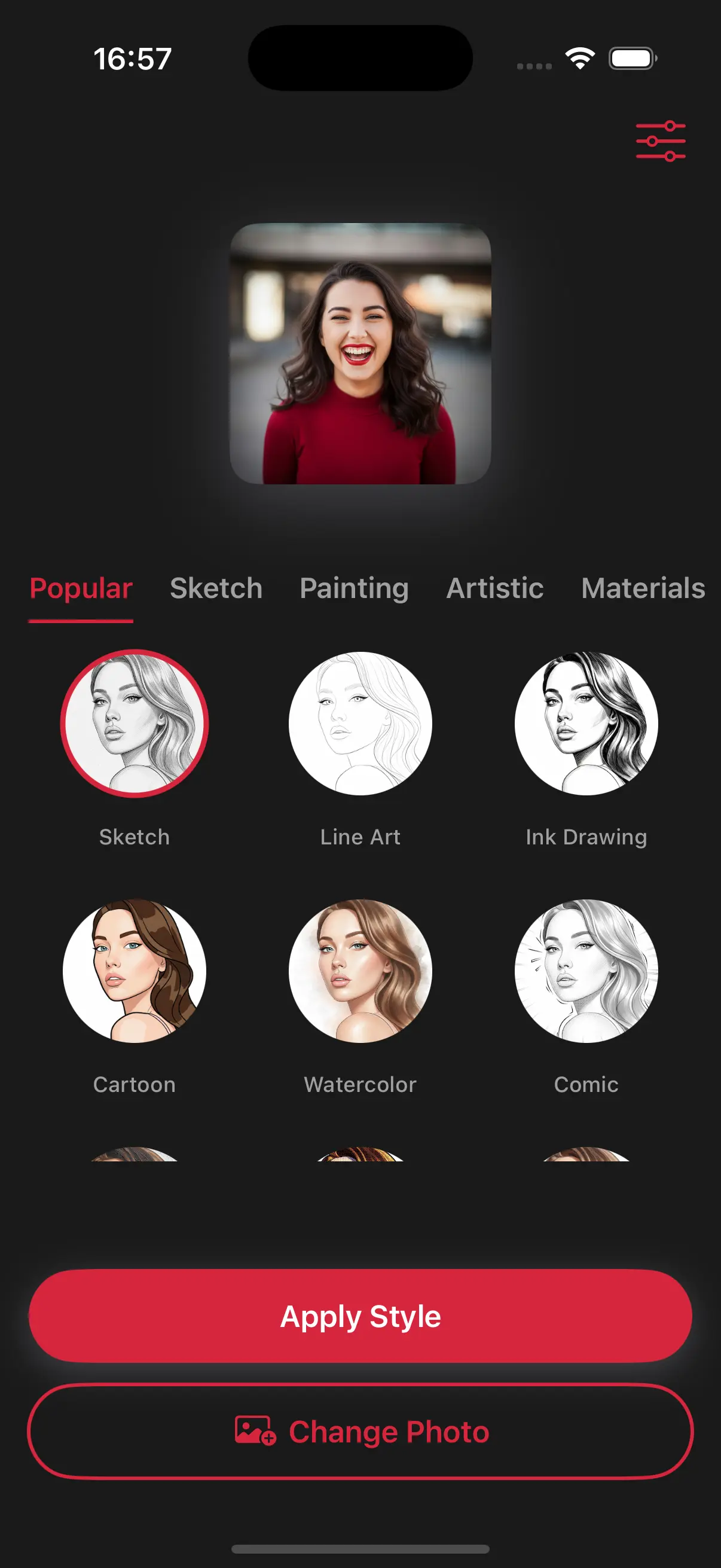
Choose a drawing style
Select a drawing style from a variety of options. See the transformation in real-time as your photo is converted into stunning art.
Create Beautiful Woodcut Art
This style simplifies the image into bold shapes and rough lines, imitating the natural texture of wood grain and the physical marks of a carving tool.
Frequently Asked Questions
What is a woodcut?
A woodcut is an old-fashioned way of printing where you carve a design into wood, put ink on it, and press it onto paper.
Does the woodcut style make the image look like a stamp?
Very much so. It creates the negative and positive space look typical of hand-carved blocks used in traditional stamp printing.
Why are the lines so thick in this style?
Thick lines mimic the gouging of wood. This style is meant to be bold and rustic, prioritizing shape over small details..