How to turn your photo into a pastel painting
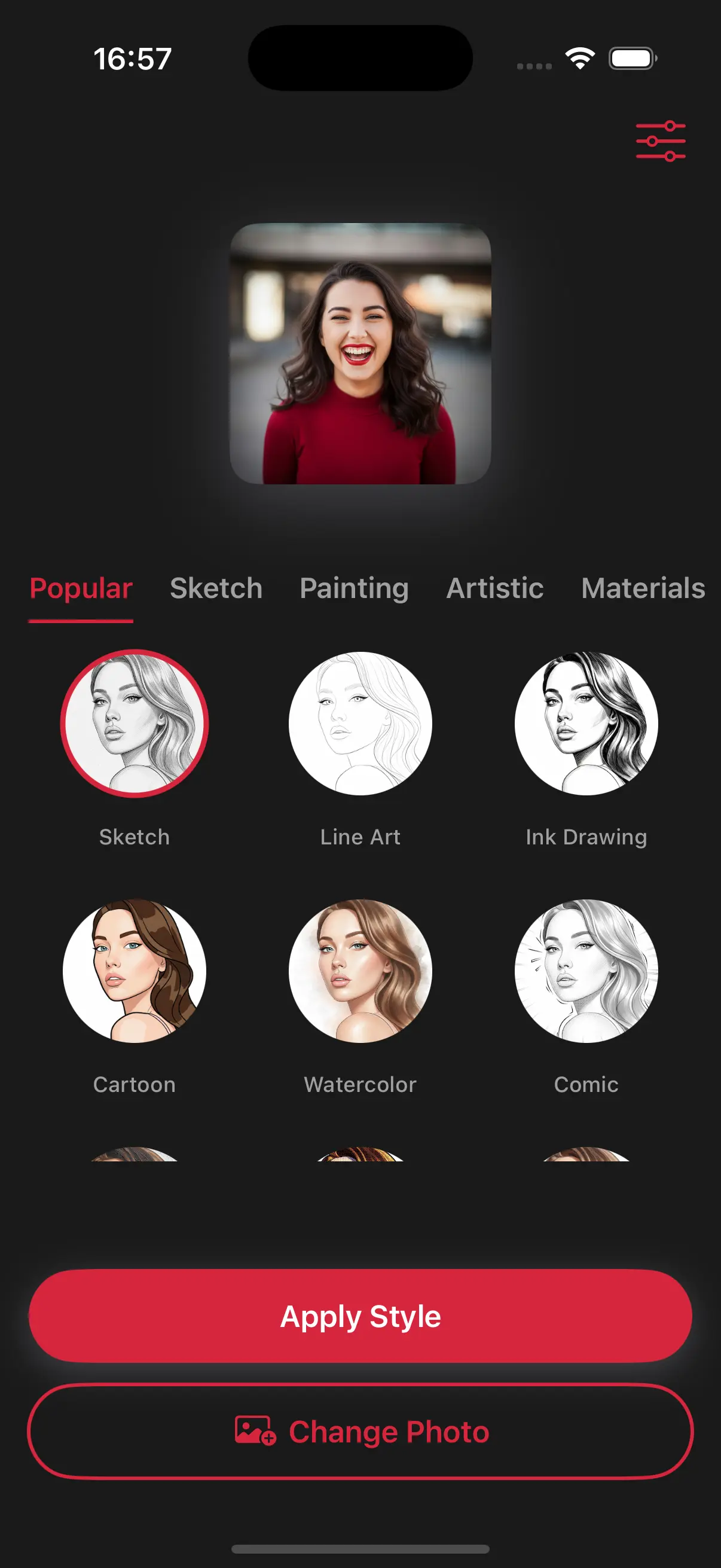
Upload Your Image
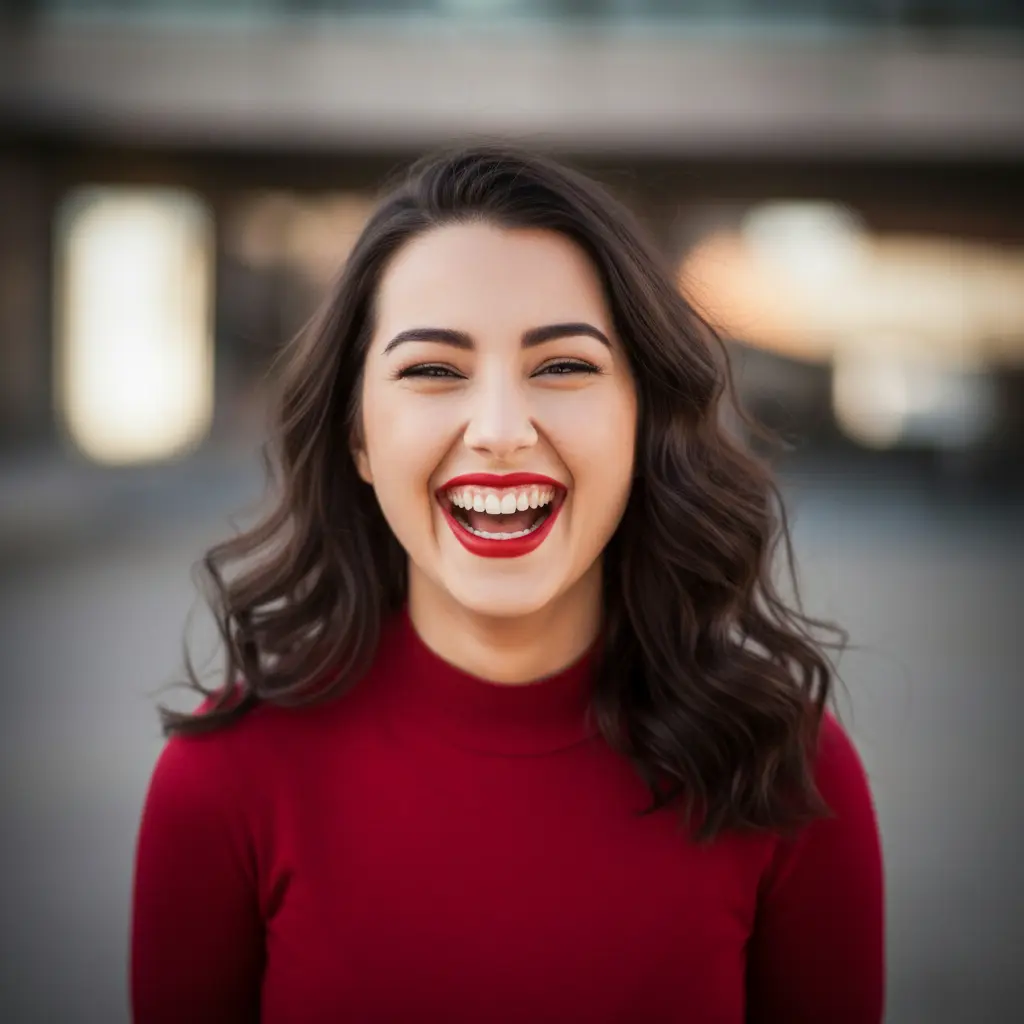
Open the app and select your image from your photo library to get started.
Select the Pastel Painting Style
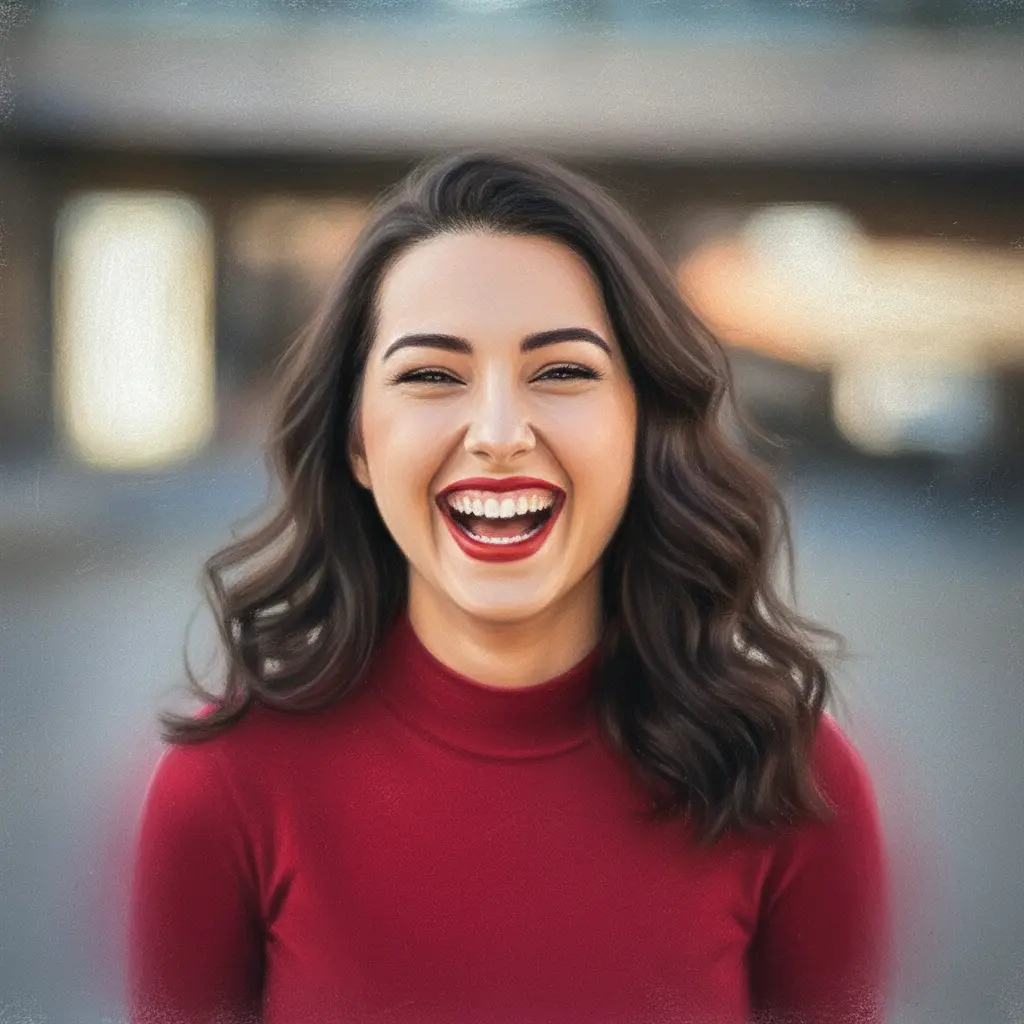
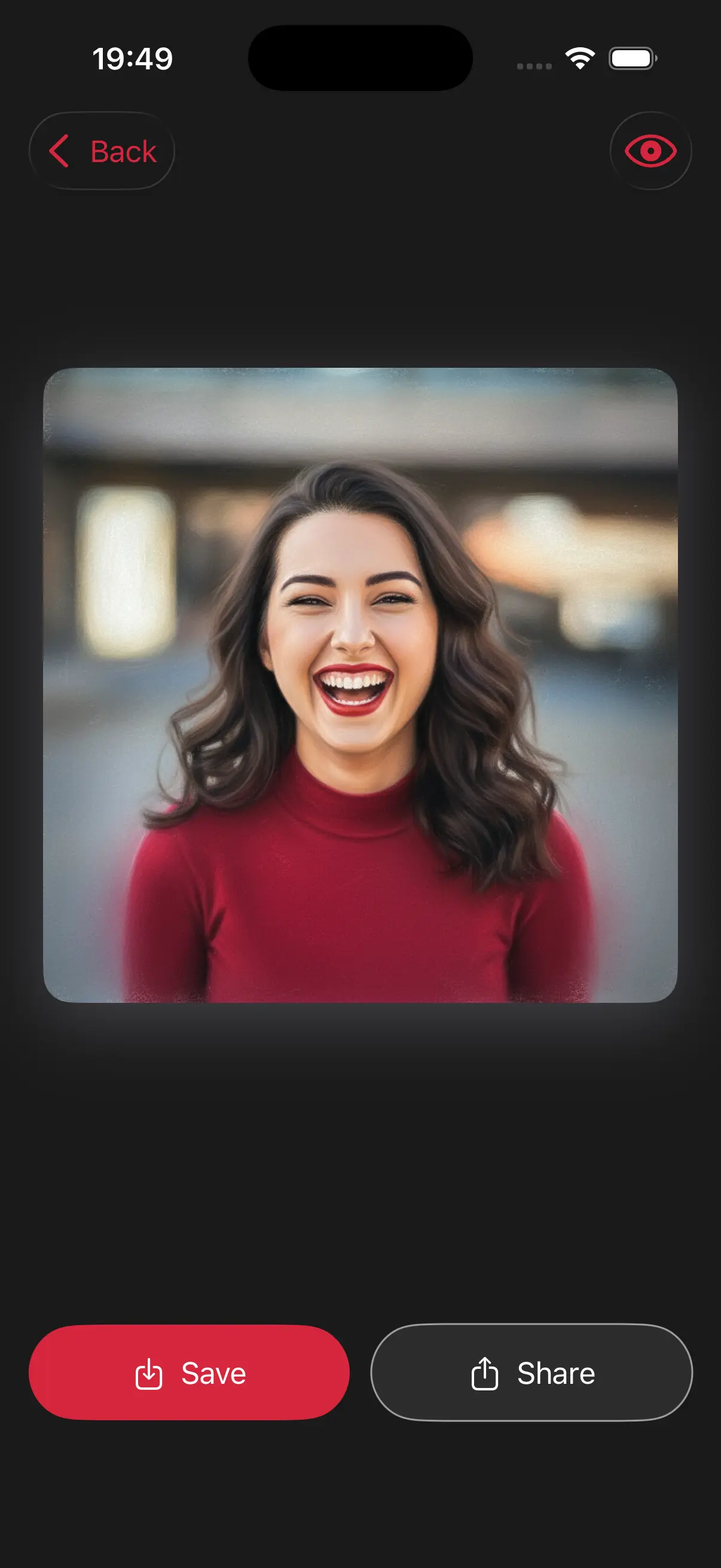
Image is automatically converted into pastel painting.
Save and Share
Once you're done, save the new image directly to your camera roll or share it.
Choose image from your photo library
Easily upload any image from your photo library into the app to get started. Whether it's a personal photo or group photo, our app is ready to handle it.
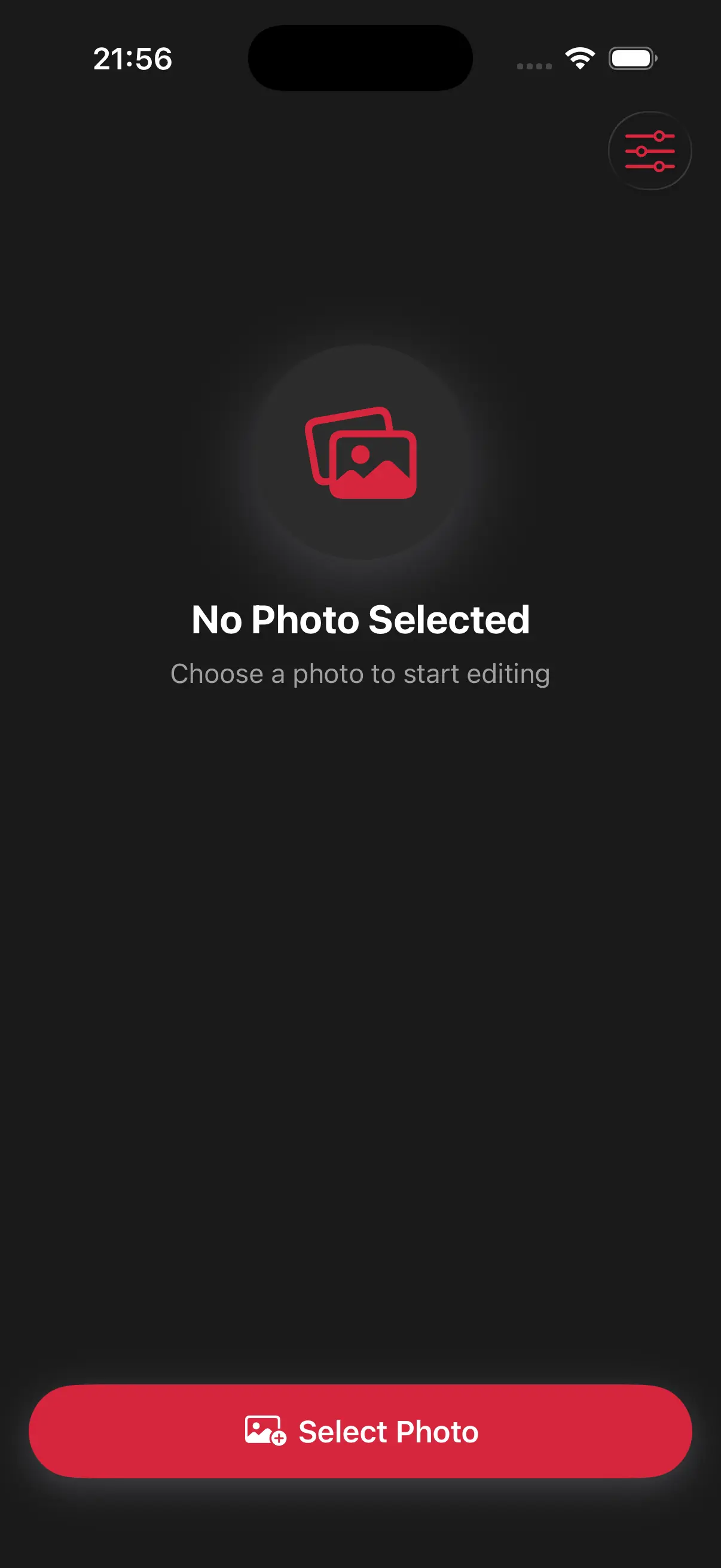
Choose a drawing style
Select a drawing style from a variety of options. See the transformation in real-time as your photo is converted into stunning art.
Create Beautiful Pastel Painting
The pastel style is perfect for portraits because it smooths skin tones and uses soft, vibrant colors that look gentle and artistic.
Frequently Asked Questions
Are pastels like crayons?
Pastels are more like soft chalk. They allow for much smoother blending and softer colors than a standard crayon.
Does the pastel style make skin look smoother?
Yes, because pastels are soft and chalky, they naturally blur imperfections and give skin a soft, glowing, and airbrushed appearance.
Can I use the pastel style for photos of my pets?
Pastel is a wonderful choice for pet photos because it captures the soft texture of fur and the gentle sparkle in their eyes perfectly