

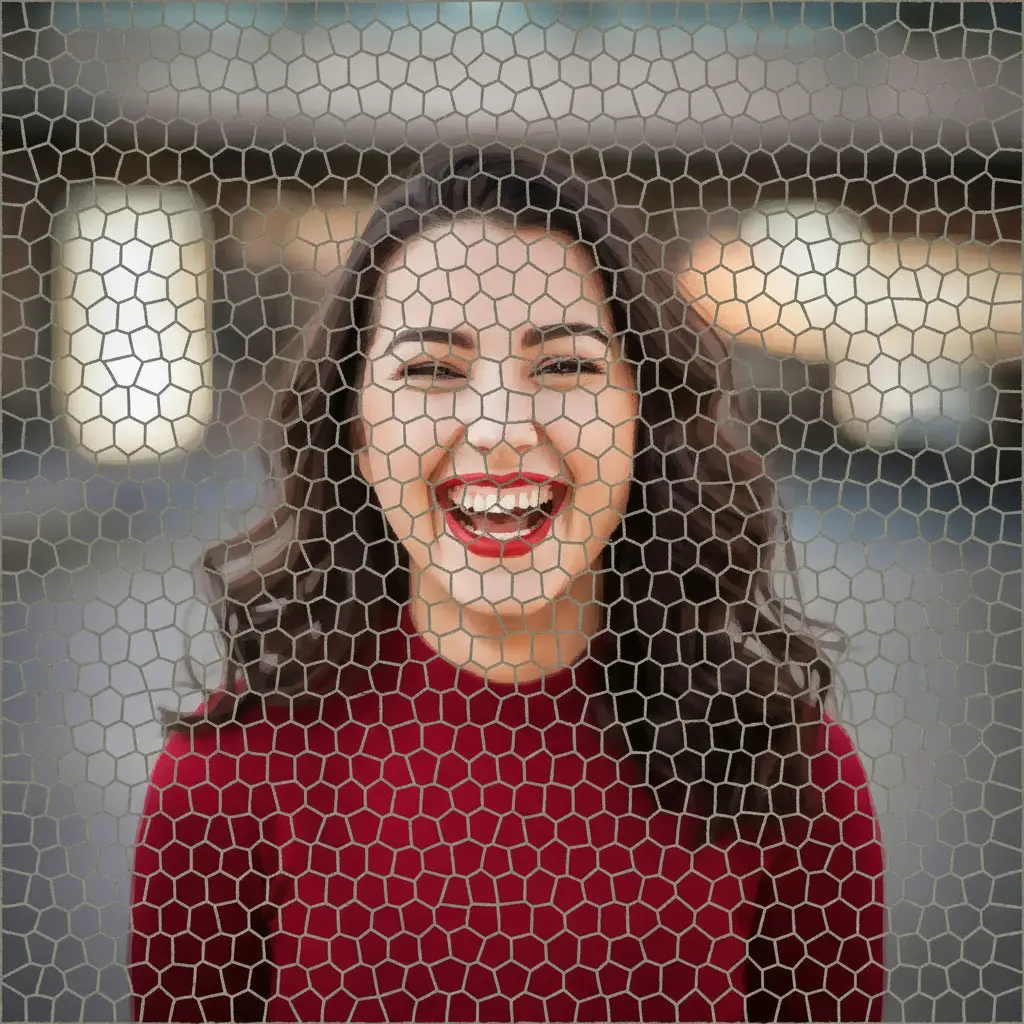
How to turn your photo into mosaic art
Upload Your Image
Open the app and select your image from your photo library to get started.
Select the Mosaic Style
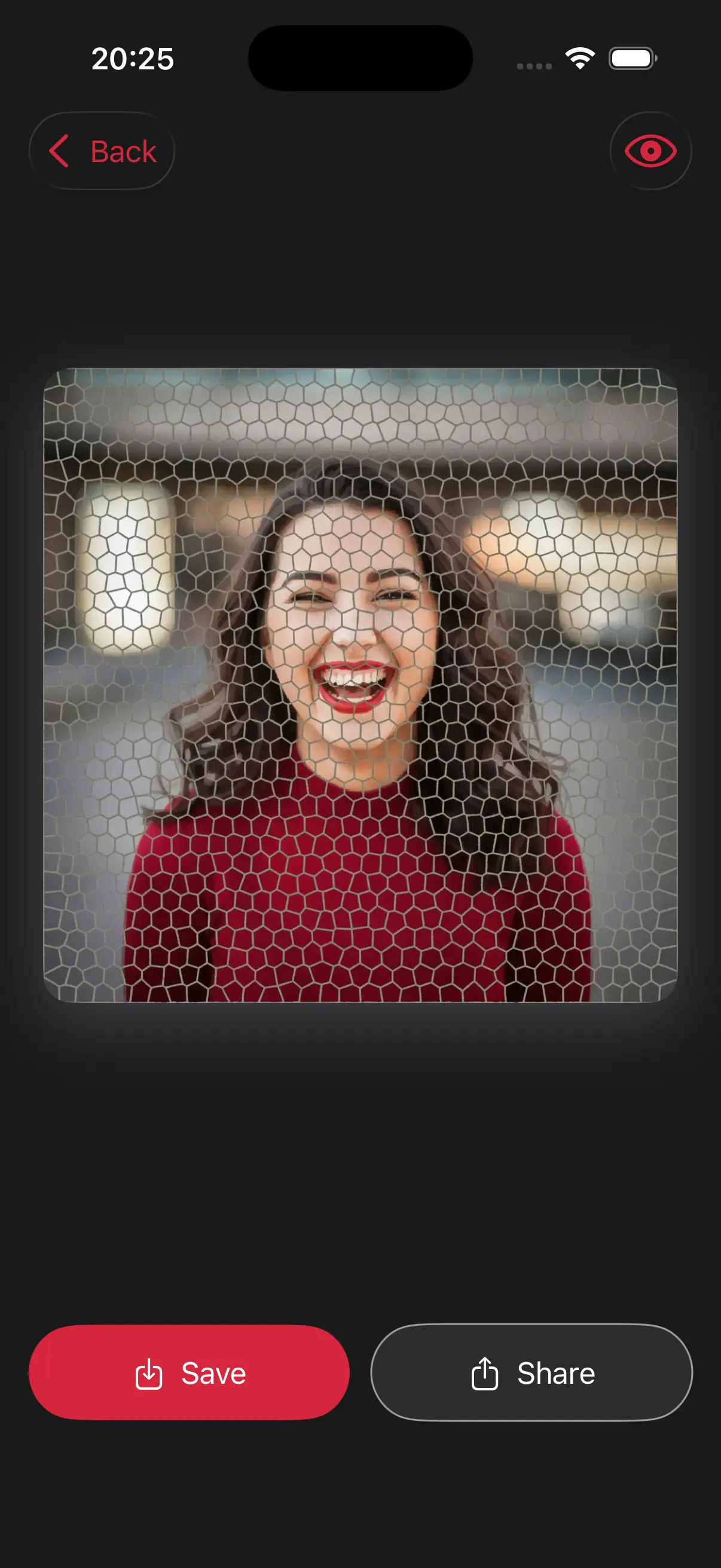
Image is automatically converted into mosaic artwork.
Save and Share
Once you're done, save the new image directly to your camera roll or share it.
Choose image from your photo library
Easily upload any image from your photo library into the app to get started. Whether it's a personal photo or group photo, our app is ready to handle it.

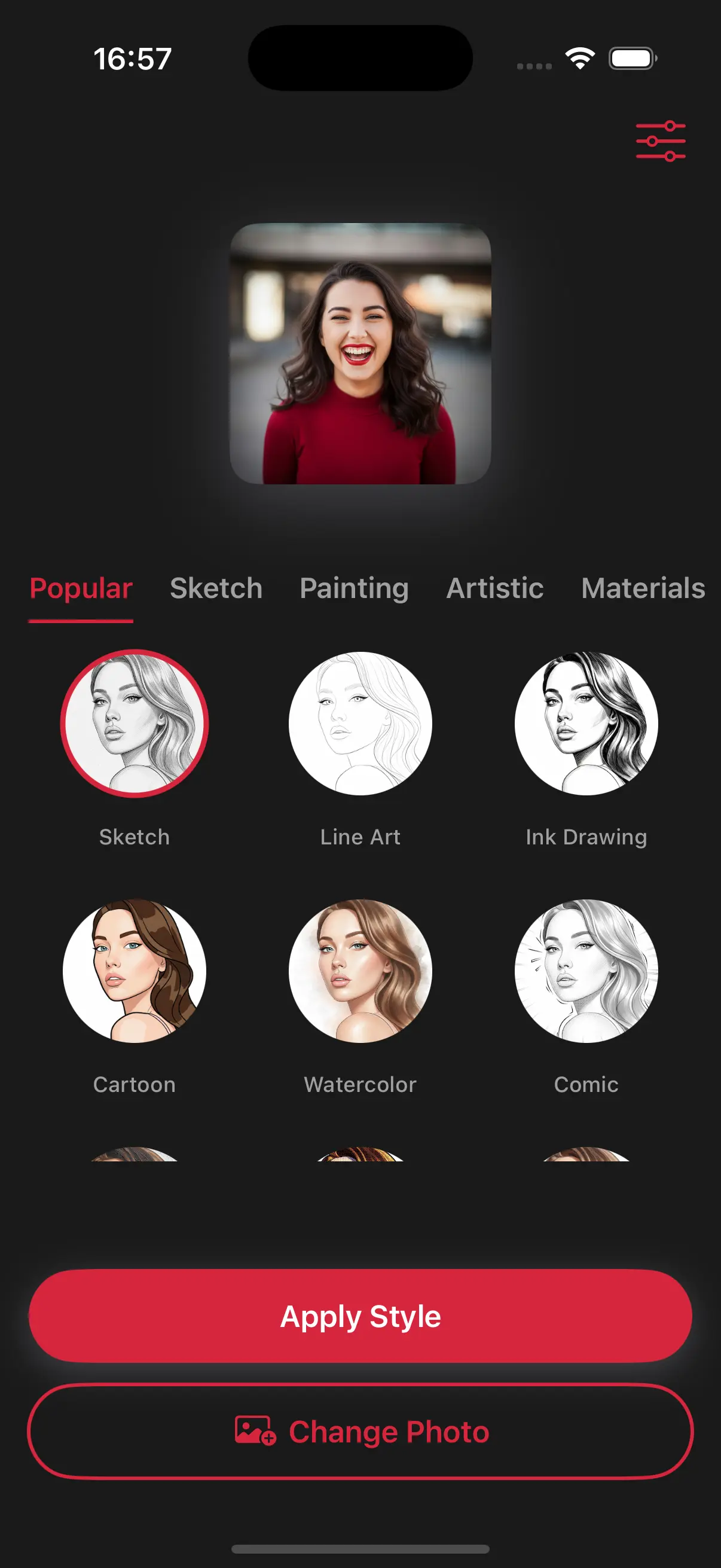
Choose a drawing style
Select a drawing style from a variety of options. See the transformation in real-time as your photo is converted into stunning art.
Create Beautiful Mosaic Art
Every tile is colored perfectly to match the original photo. The result is a cool, geometric art piece that looks like it belongs on a gallery wall or a decorative floor.
Frequently Asked Questions
What is a mosaic style?
A mosaic is a piece of art made from many small pieces of colored glass, stone, or tile.
Are the mosaic tiles all the same size?
The app uses a variety of tile shapes and sizes to best fit the details of your photo, making the mosaic look like a custom-made piece of stone art.
Can I turn a selfie into a mosaic?
Yes, but it looks best if you are relatively close to the camera, as the tile effect is very striking on larger features like eyes and smiles.