

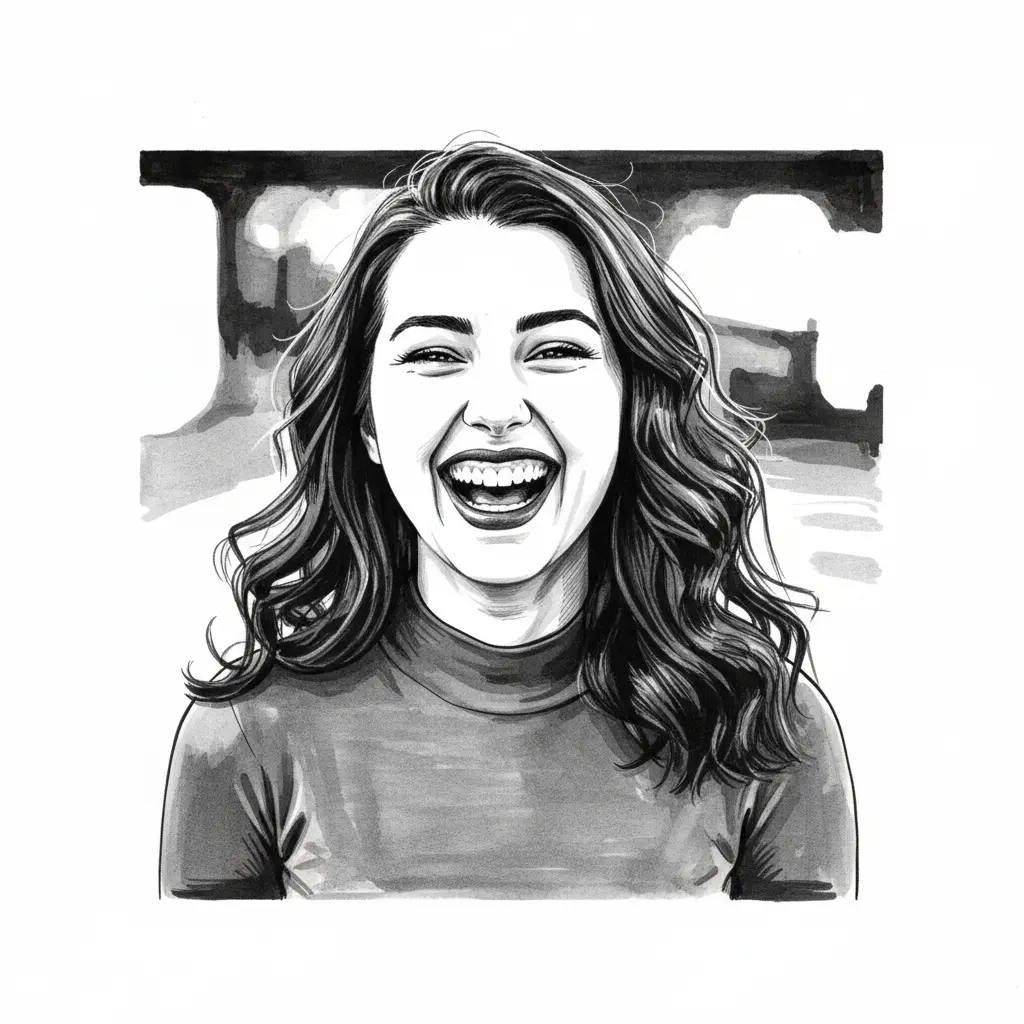
How to turn your photo into an ink drawing
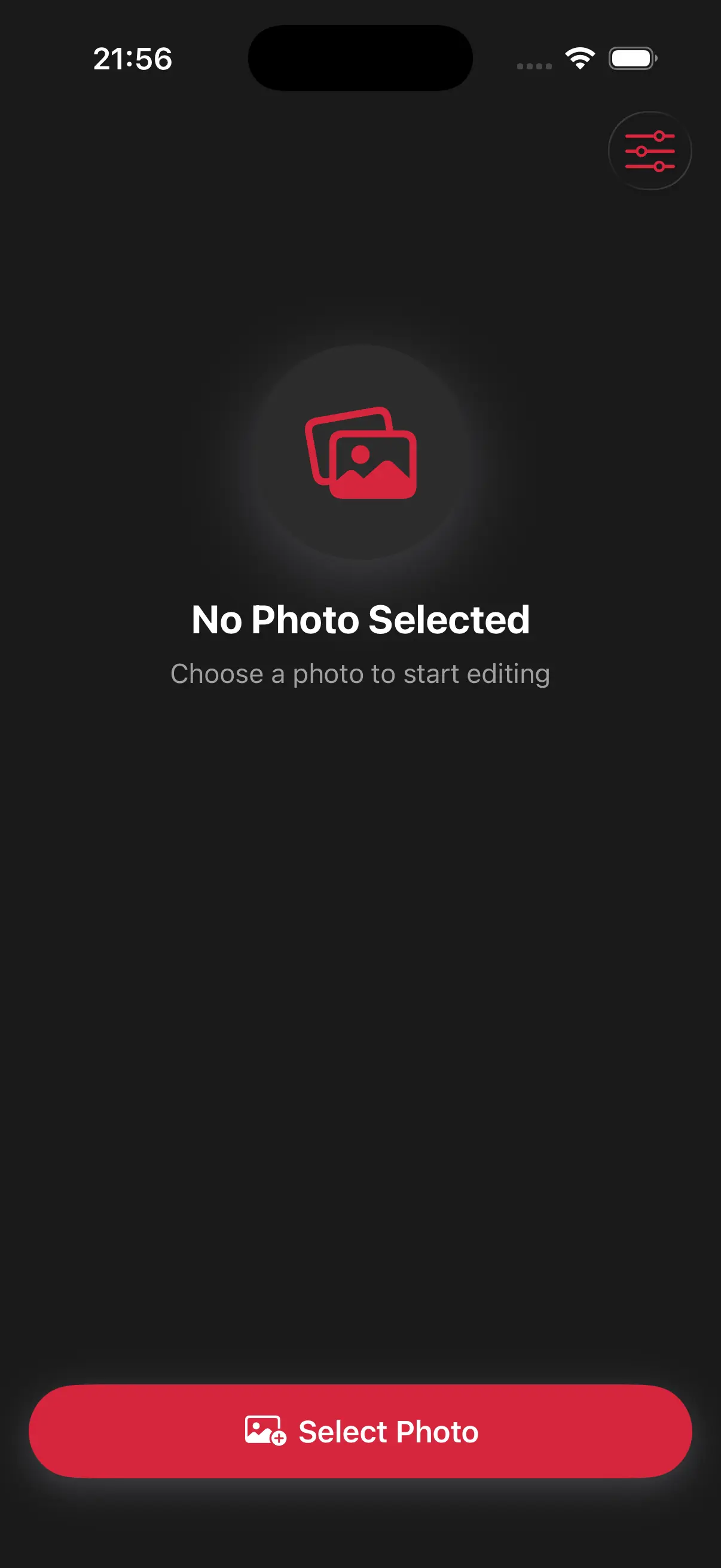
Upload Your Image
Open the app and select your image from your photo library to get started.
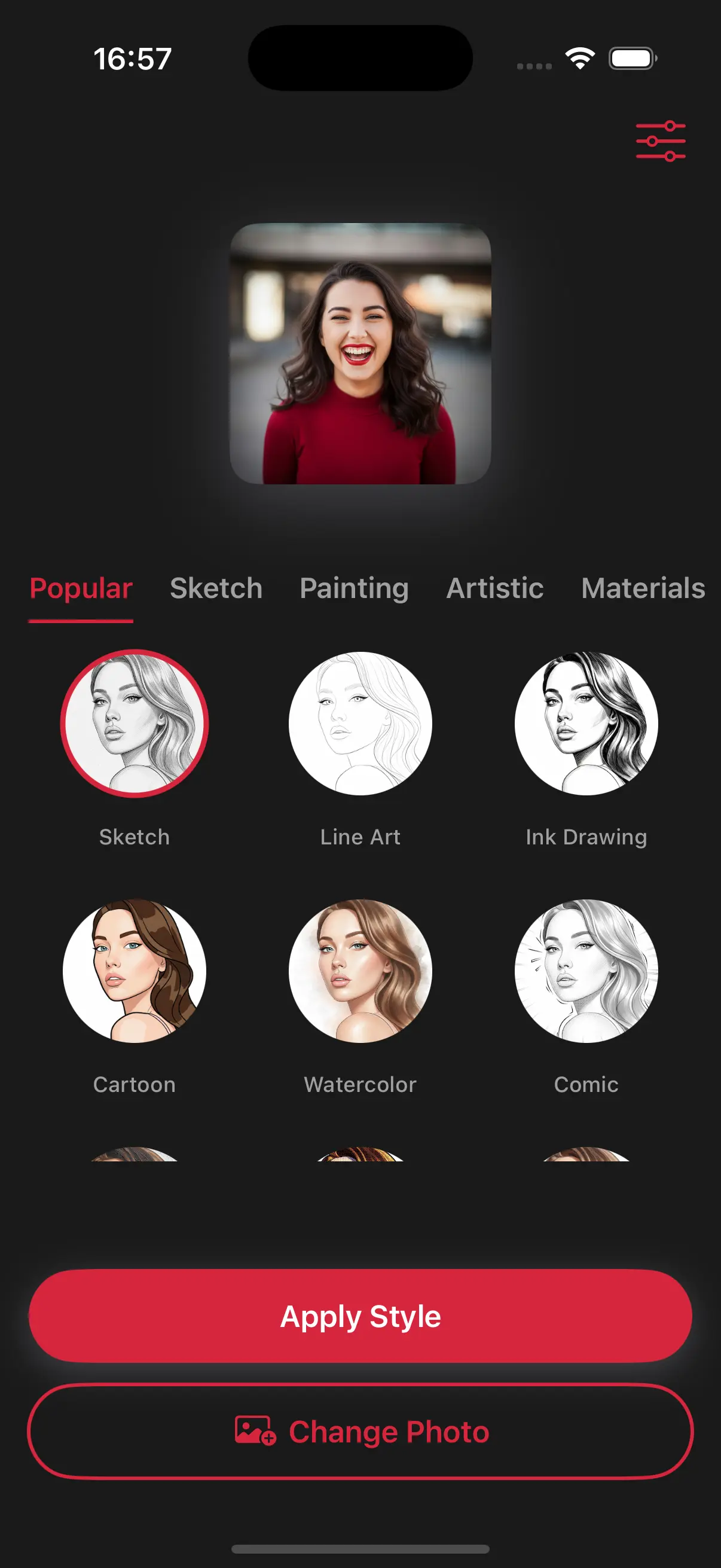
Select the Ink Drawing Style
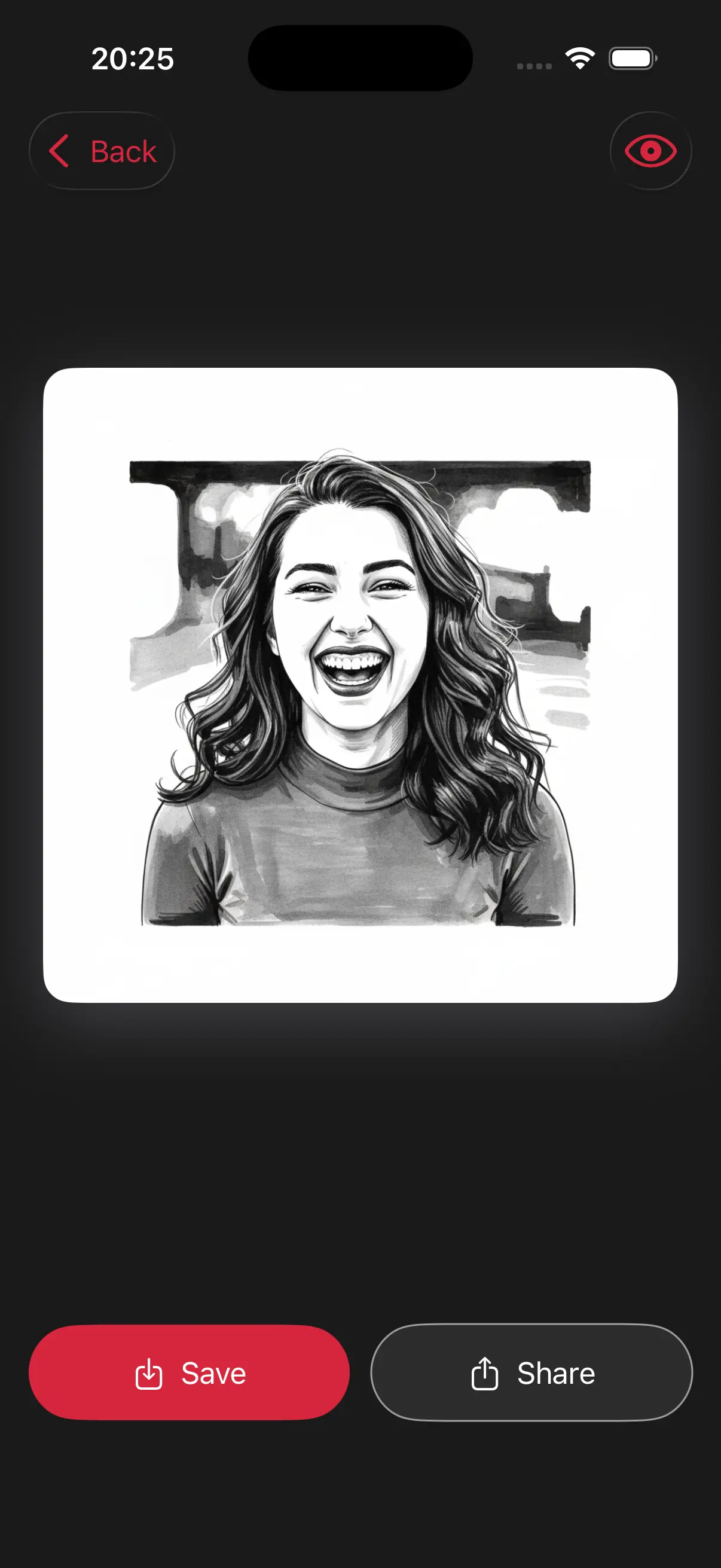
Image is automatically converted into an ink drawing.
Save and Share
Once you're done, save the new image directly to your camera roll or share it.
Choose image from your photo library
Easily upload any image from your photo library into the app to get started. Whether it's a personal photo or group photo, our app is ready to handle it.
Choose a drawing style
Select a drawing style from a variety of options. See the transformation in real-time as your photo is converted into stunning art.
Create Beautiful Ink Drawings
This style replicates the look of a fine-tip pen. It's perfect for creating architectural drawings, detailed portraits, or artistic illustrations that stand out on social media.
Frequently Asked Questions
Is the ink drawing style only in black and white?
The classic ink style is high-contrast black and white to give it that authentic pen-on-paper feel.
Does the ink style work well for tattoo ideas?
Many users use this style to visualize tattoos! It turns photos into clean, line-heavy designs that look like professional stencil or flash art.
What happens to the colors in my photo?
The ink drawing style focuses on high-contrast black ink on white paper, stripping away color to give you a bold, classic illustration look.