
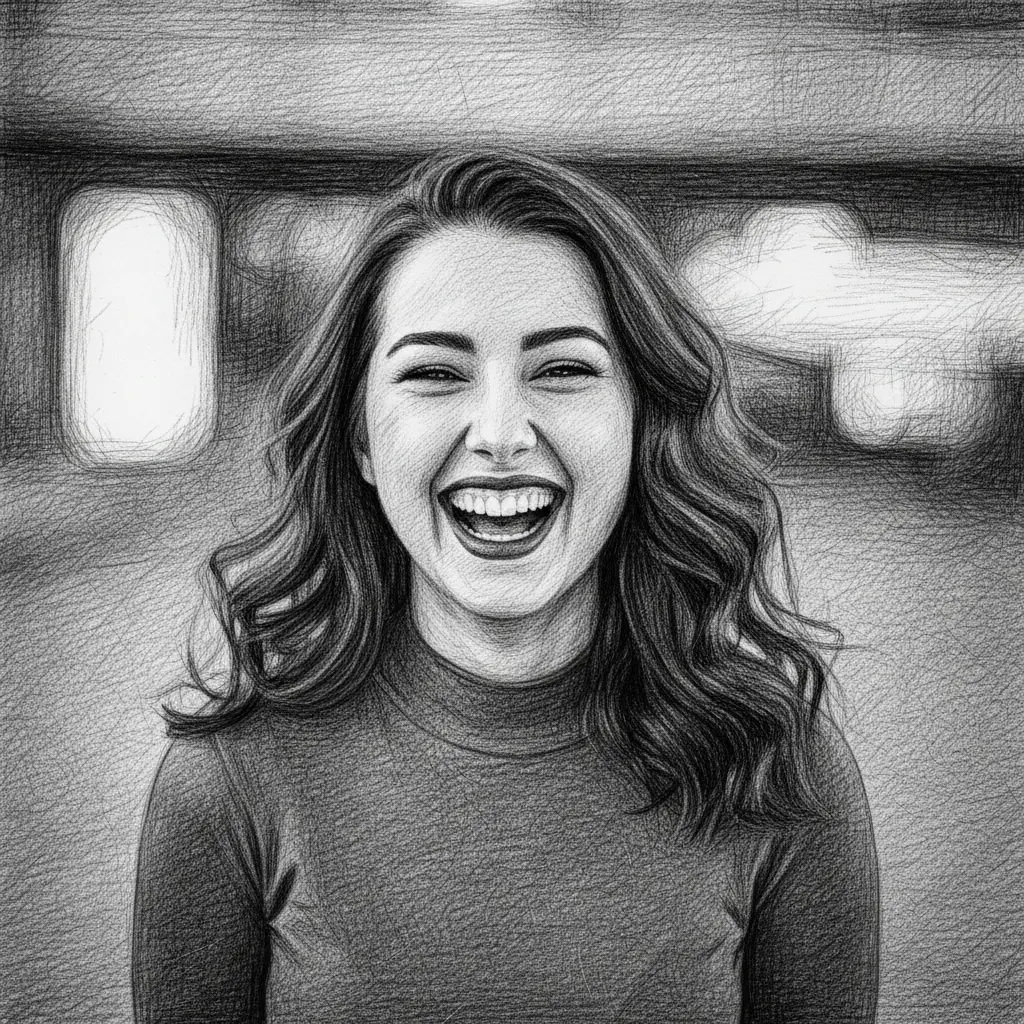
How to turn your photo into a crosshatch drawing
Upload Your Image
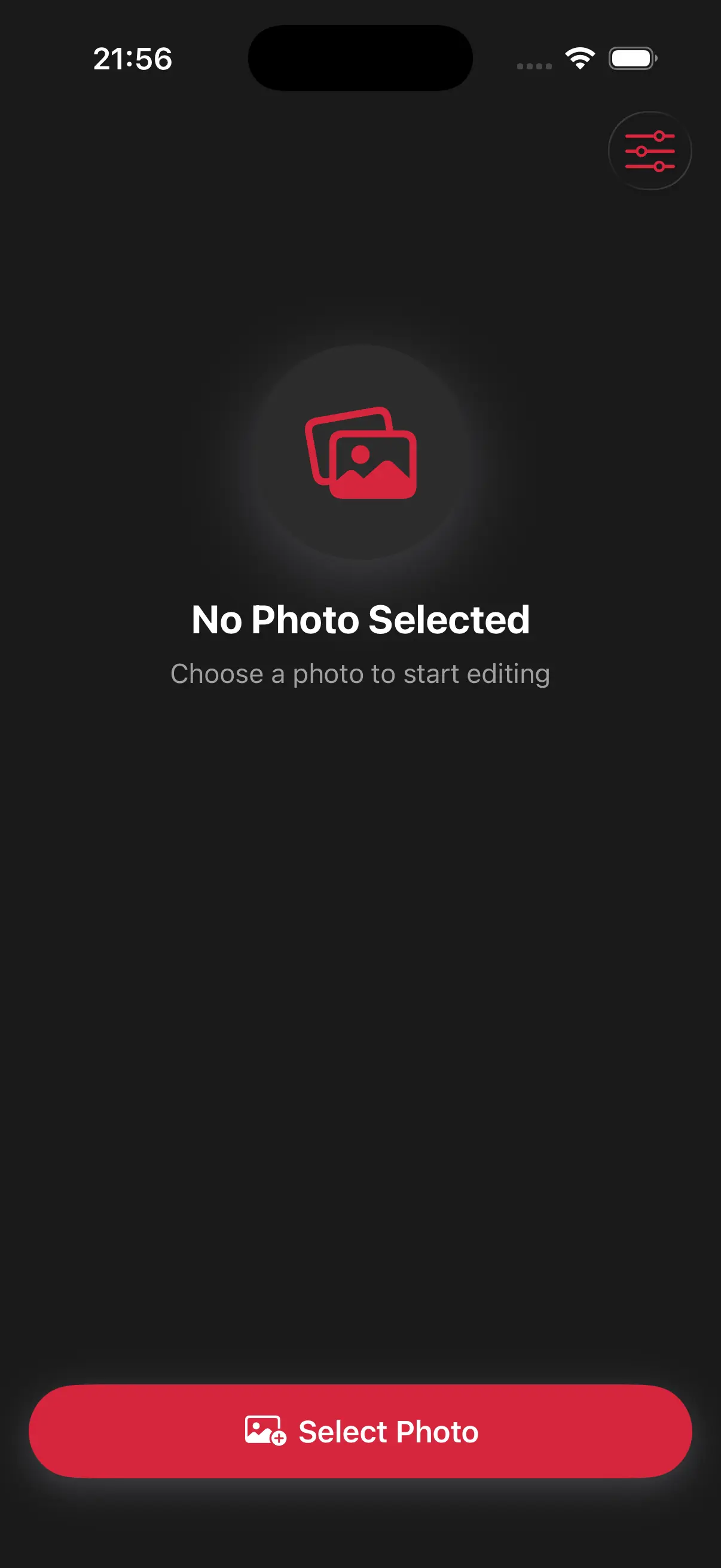
Open the app and select your image from your photo library to get started.
Select the Crosshatch Drawing Style
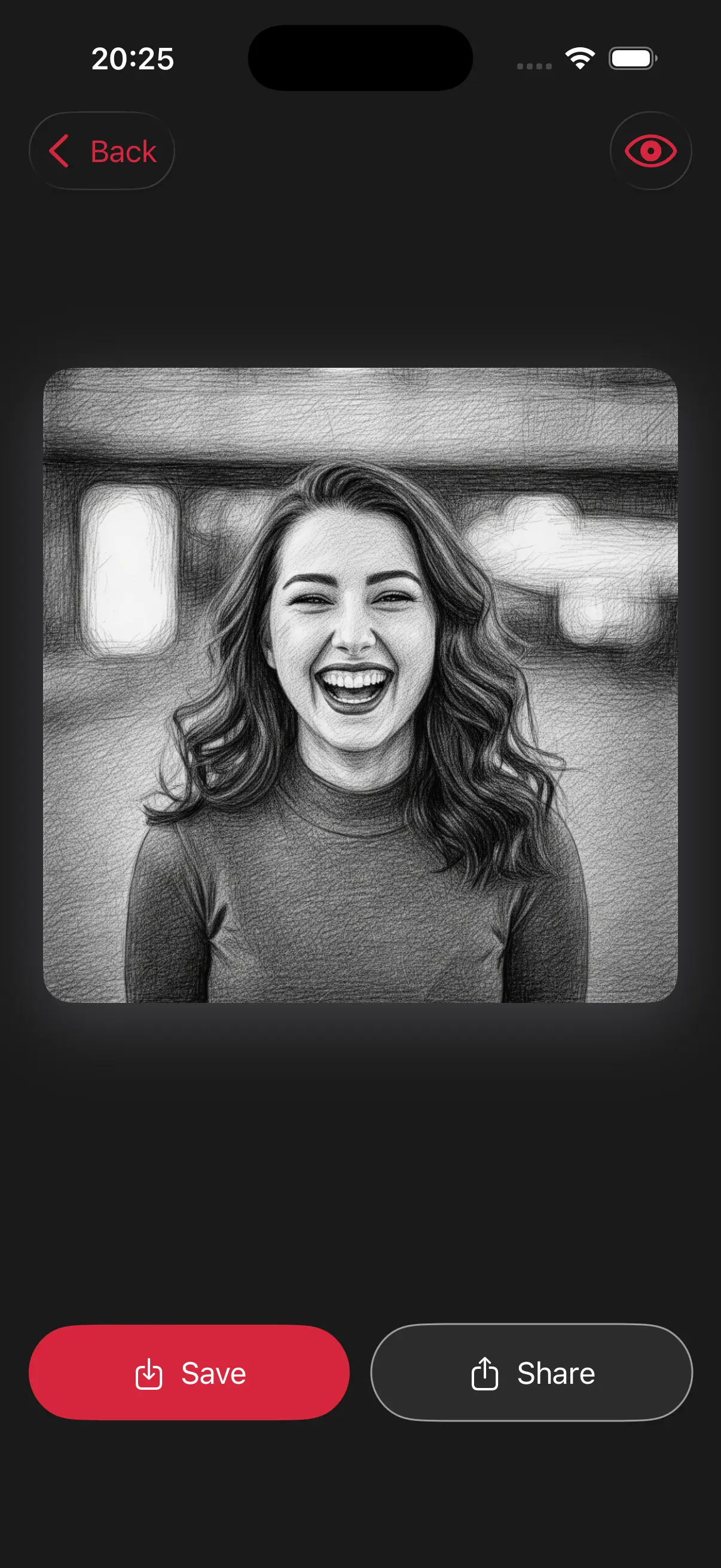
Image is automatically converted into a crosshatch drawing.
Save and Share
Once you're done, save the new image directly to your camera roll or share it.
Choose image from your photo library
Easily upload any image from your photo library into the app to get started. Whether it's a personal photo or group photo, our app is ready to handle it.
Choose a drawing style
Select a drawing style from a variety of options. See the transformation in real-time as your photo is converted into stunning art.
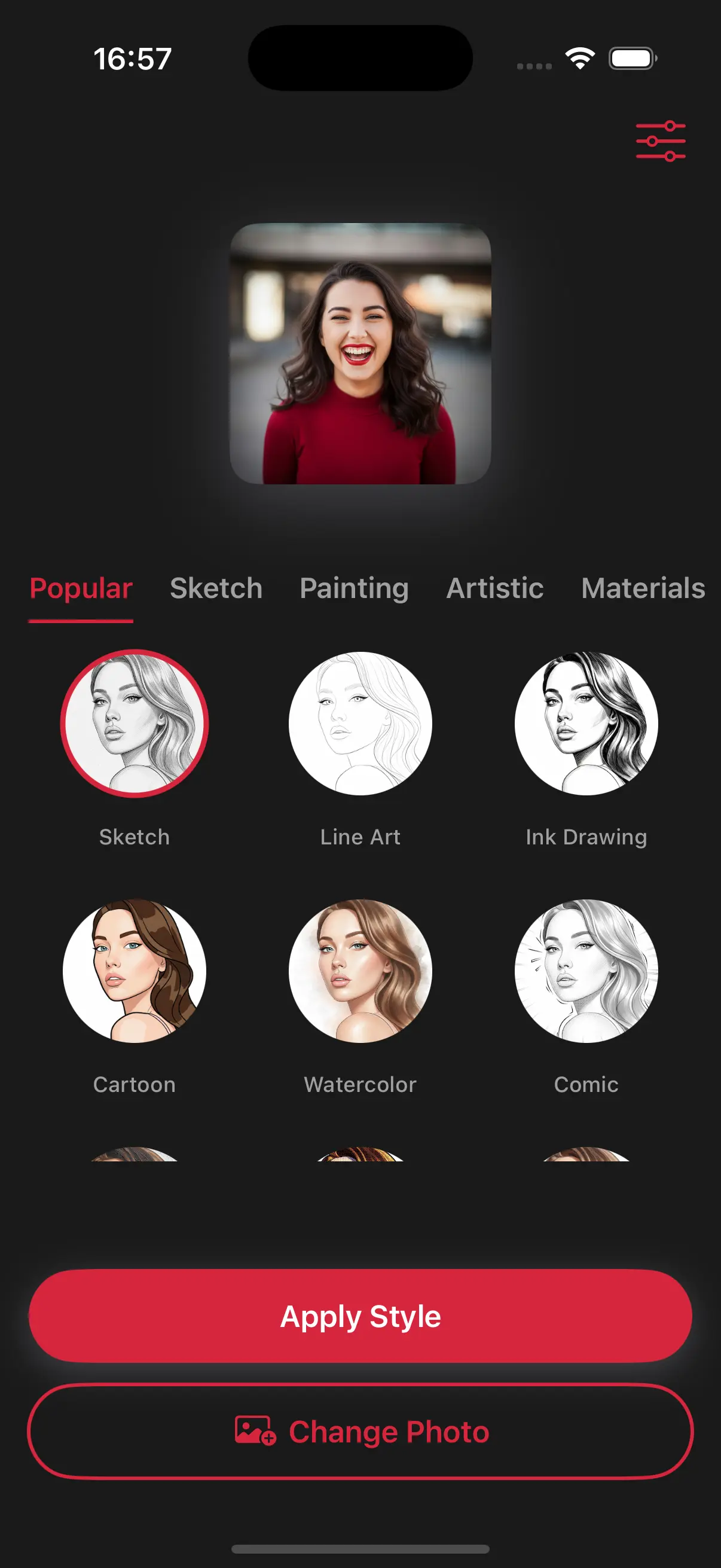
Create Beautiful Crosshatch Drawings
By criss-crossing lines, our app builds up darkness and texture just like a real illustrator would. It's a great way to give your photos a unique, 'sketchy' feel that stands out from regular filters.
Frequently Asked Questions
How do I get the crosshatch effect?
Upload your photo, select the Crosshatch style from the menu, and the app will automatically redraw your photo using shaded lines.
Does crosshatching make the photo look 'old'?
It gives photos a vintage or etched look, similar to what you would see in an old-fashioned book or on a banknote.
How does the app decide where to put the lines?
The app follows the contours of your photo, placing intersecting lines in areas that need more shadow to create a 3D effect