
How to turn your photo into a charcoal drawing
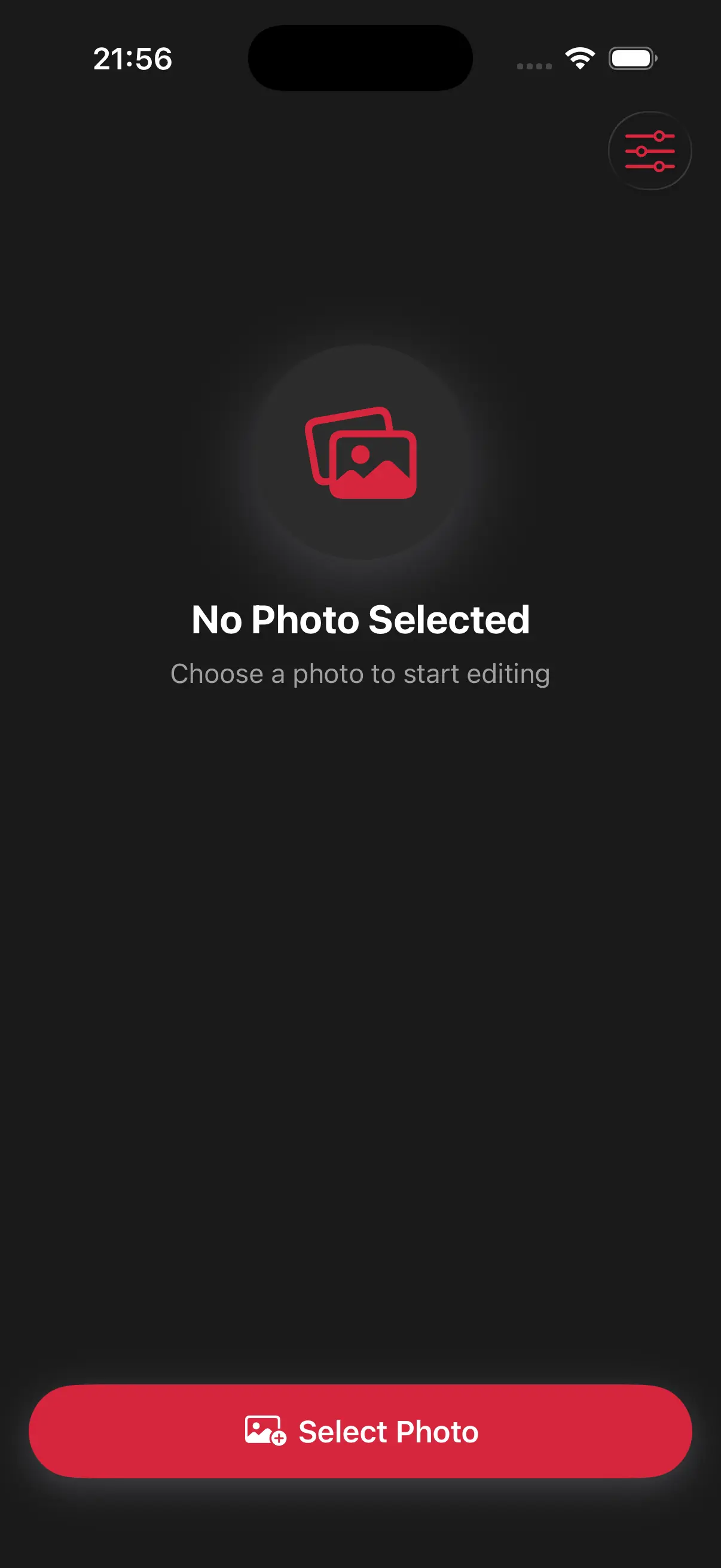
Upload Your Image
Open the app and select your image from your photo library to get started.
Select the Charcoal Drawing Style
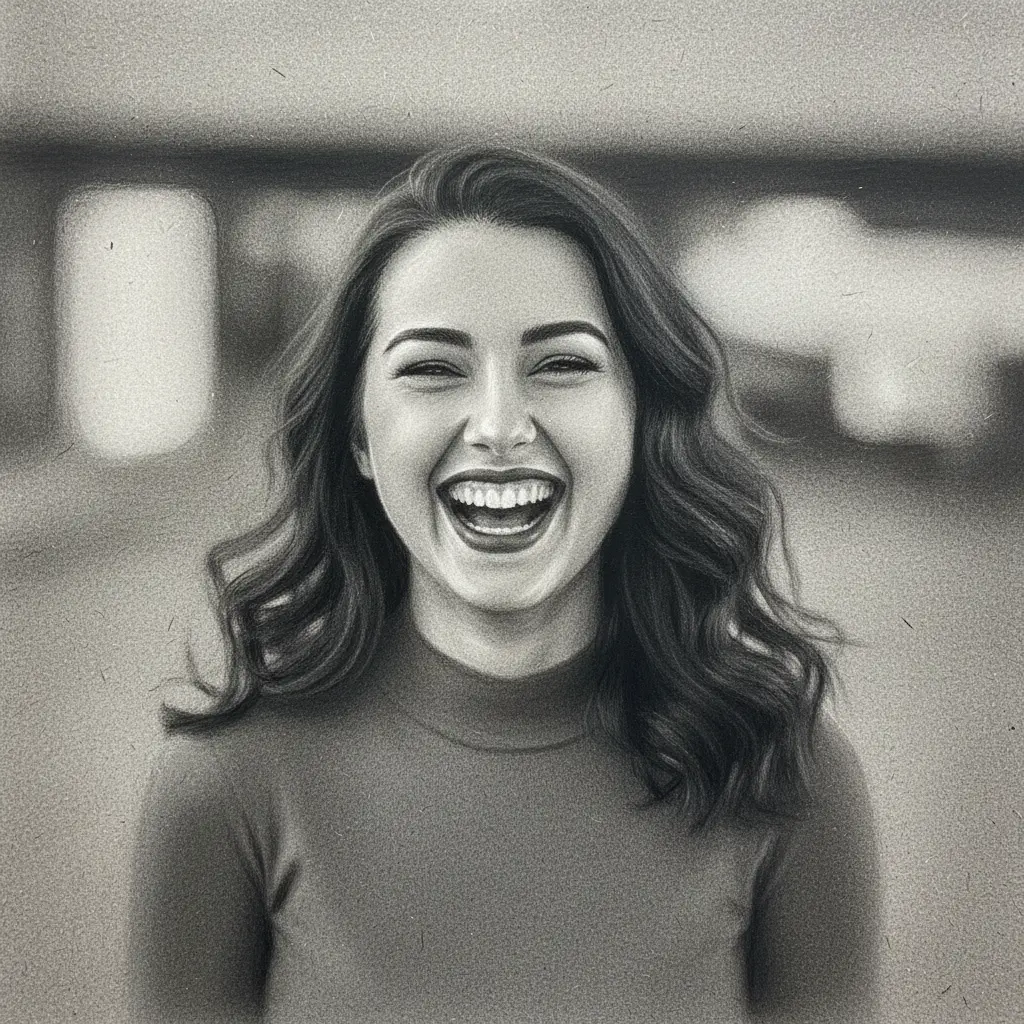
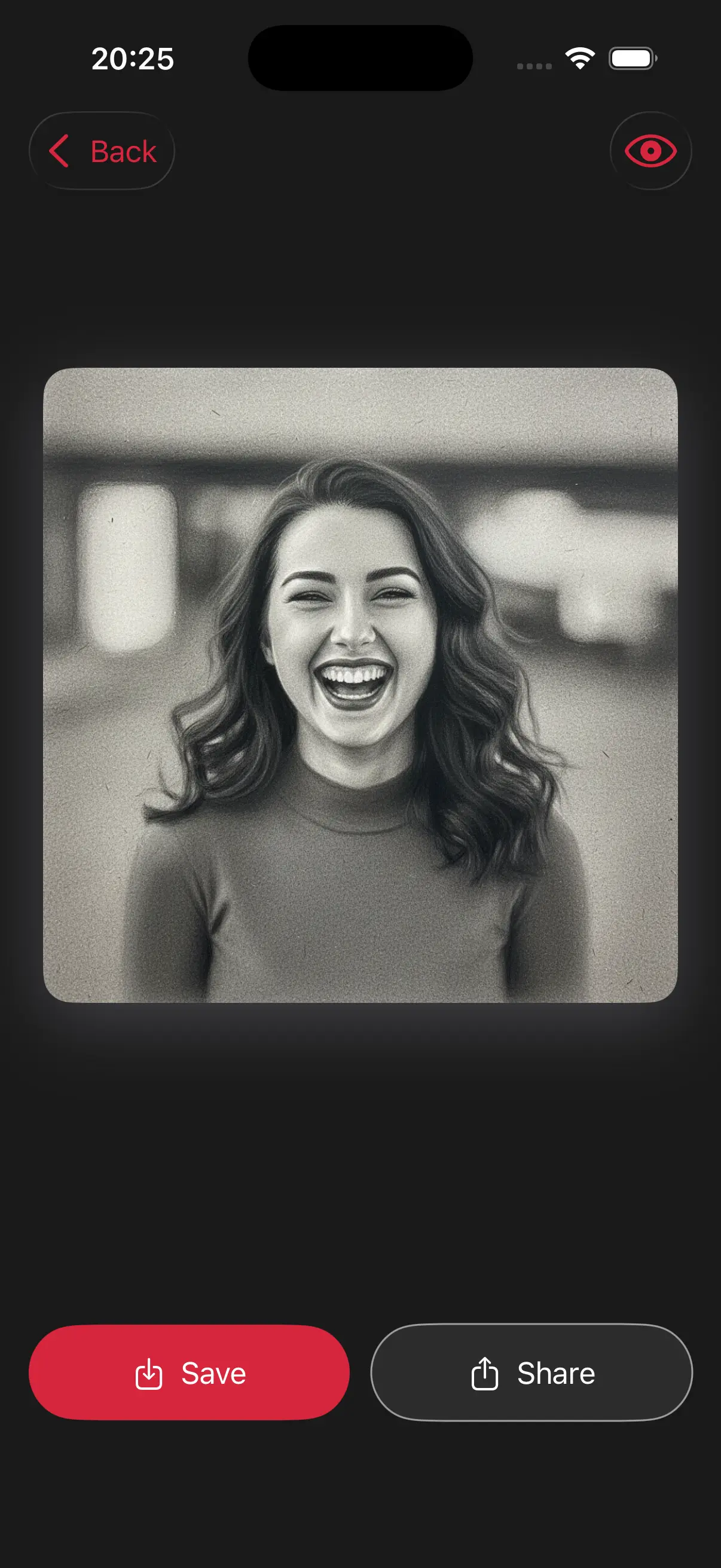
Image is automatically converted into a charcoal drawing.
Save and Share
Once you're done, save the new image directly to your camera roll or share it.
Choose image from your photo library
Easily upload any image from your photo library into the app to get started. Whether it's a personal photo or group photo, our app is ready to handle it.
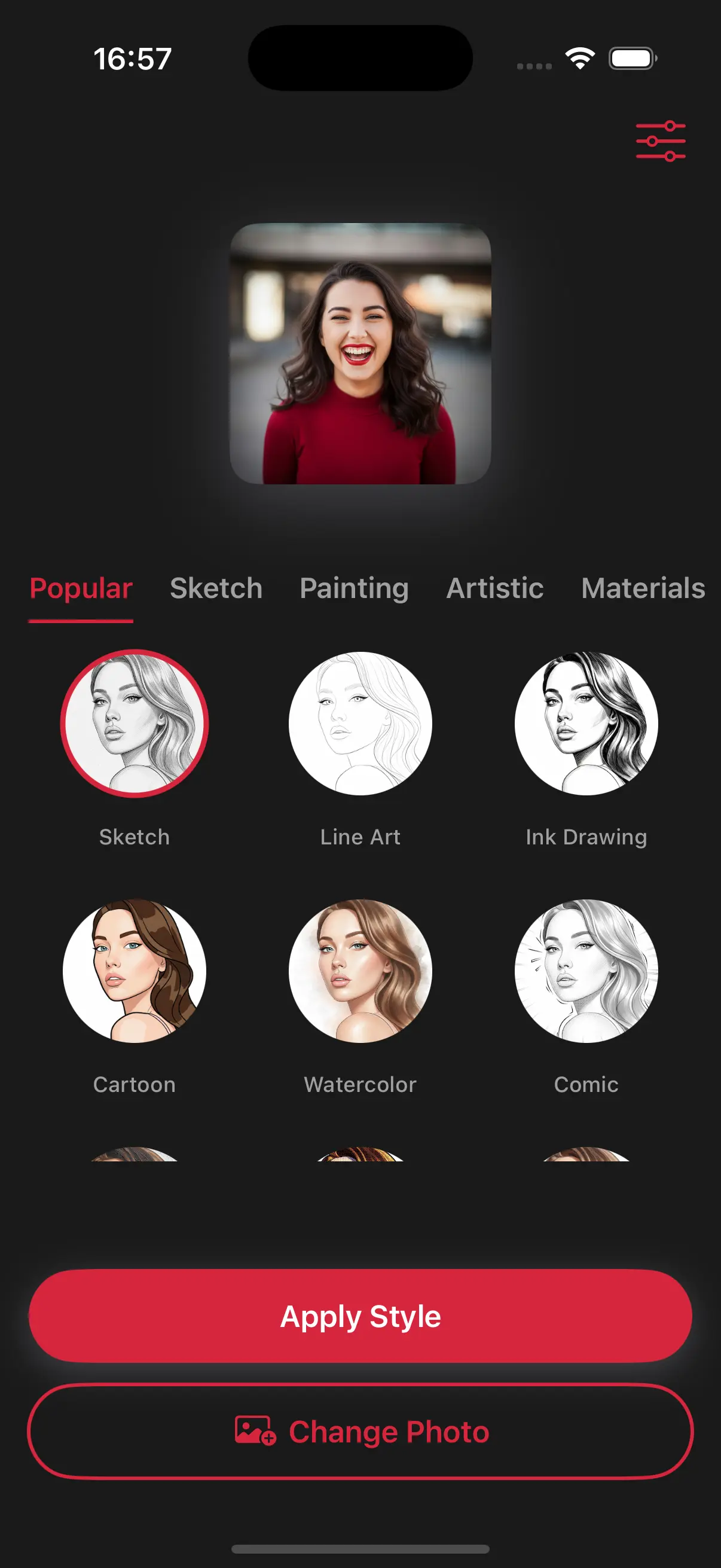
Choose a drawing style
Select a drawing style from a variety of options. See the transformation in real-time as your photo is converted into stunning art.
Beautiful Charcoal Sketch
Our app mimics the way an artist uses their fingers to smudge charcoal on paper. This creates beautiful, soft gradients and deep black shadows that make your photos look professionally hand-crafted.
Frequently Asked Questions
How do I make my photo look like charcoal?
Just upload your photo, pick the 'Charcoal' drawing style, and hit apply. You can then save the drawing or share it instantly.
Will the charcoal look "smudgy" like a real drawing?
Yes! The app replicates the smoky, soft-edge look of natural charcoal, making the shadows look blended by hand rather than just colored in
Is this style better for portraits or landscapes?
While it works for both, it is particularly stunning for portraits because it highlights the dramatic lighting and emotions on a person's face.