

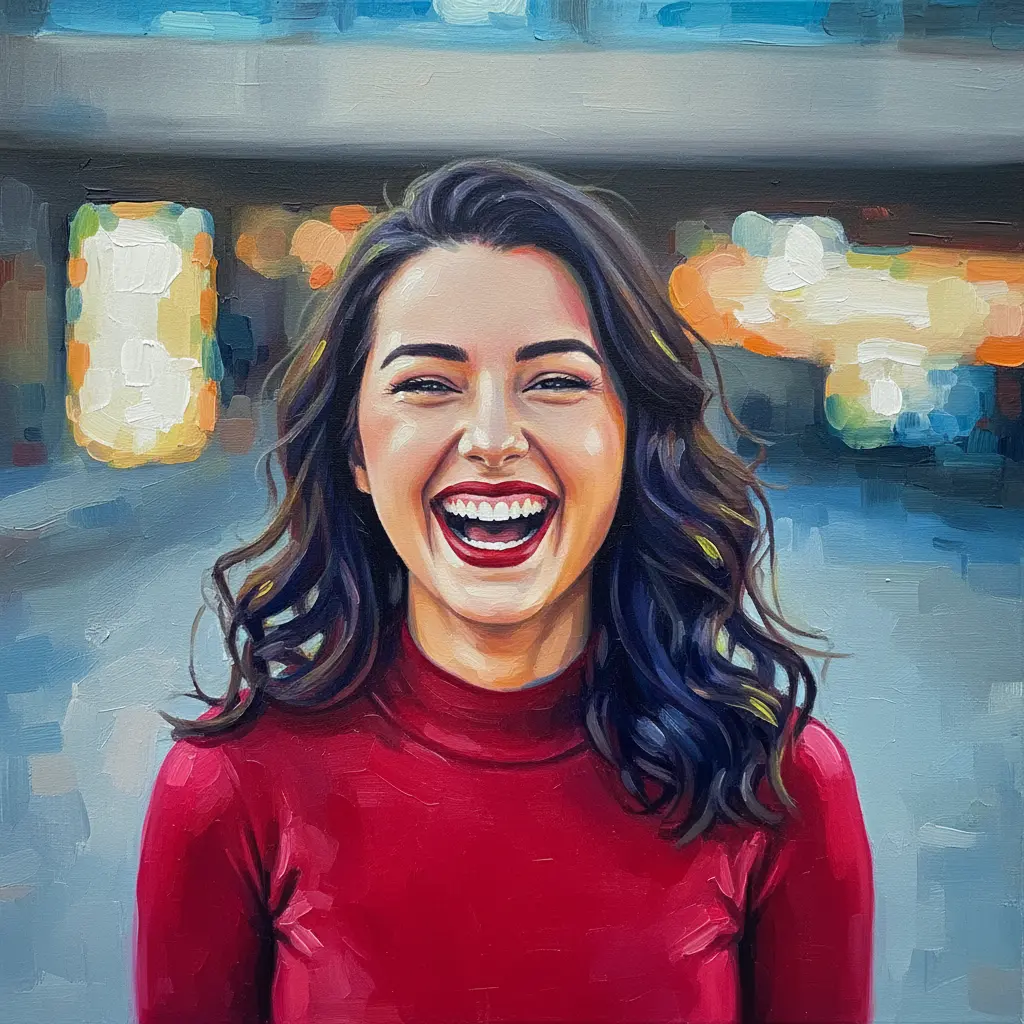
How to turn your photo into an acrylic painting
Upload Your Image
Open the app and select your image from your photo library to get started.
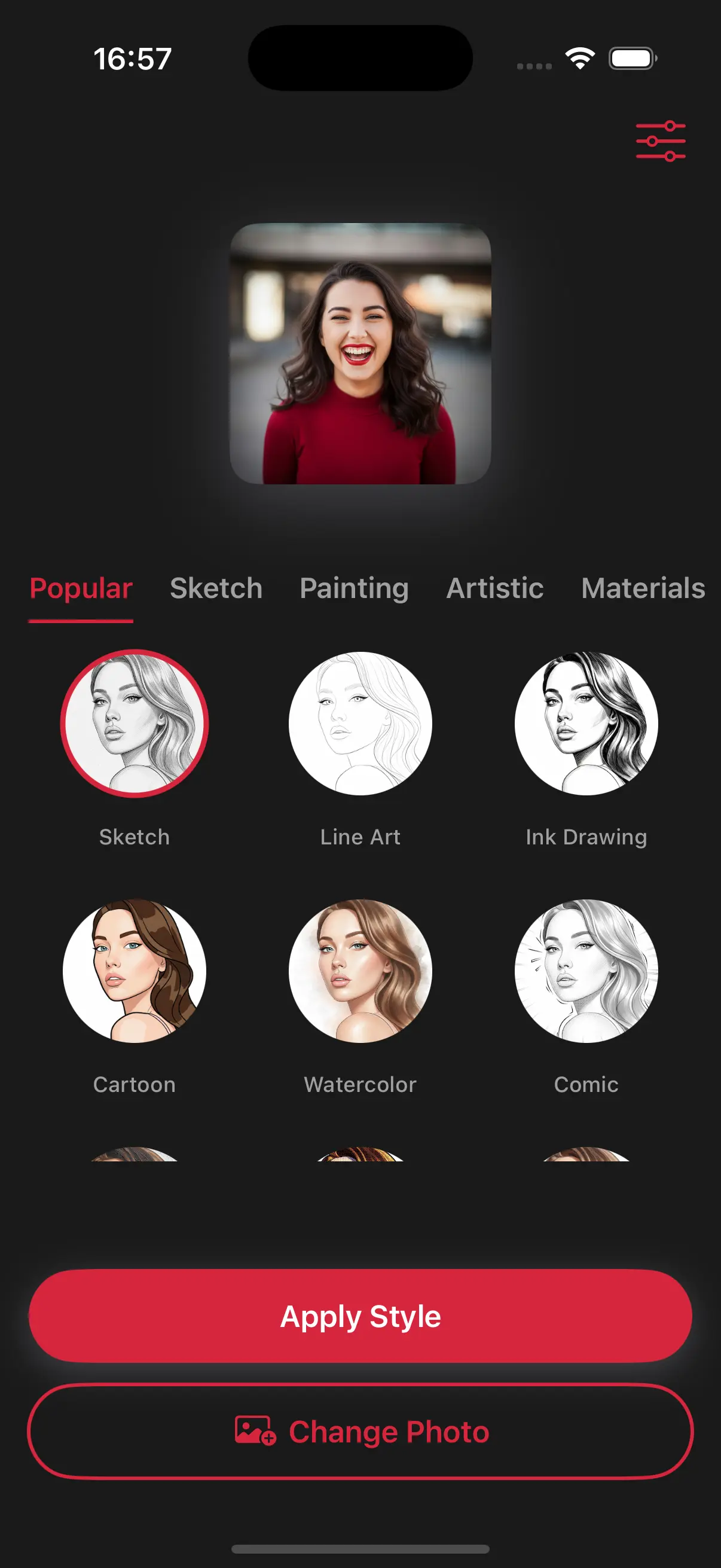
Select the Acrylic Painting Style
Image is automatically converted into an acrylic painting.
Save and Share
Once you're done, save the new image directly to your camera roll or share it.
Choose image from your photo library
Easily upload any image from your photo library into the app to get started. Whether it's a personal photo or group photo, our app is ready to handle it.

Choose a drawing style
Select a drawing style from a variety of options. See the transformation in real-time as your photo is converted into stunning art.
Create Beautiful Acrylic Paintings
Acrylic paint is loved for its brightness. Our app uses this style to make your photos look fresh and contemporary, perfect for creating eye-catching social media posts.

Frequently Asked Questions
What is the difference between oil and acrylic?
Oil paintings look heavier and more traditional, while acrylics are brighter, cleaner, and have a more modern feel.
Is the acrylic style better for busy photos?
Yes, because acrylic paint is bold and opaque, it's great for photos with lots of objects, making them look organized and artistic
Does the final result look shiny or matte?
The acrylic style has a clean, semi-gloss finish that looks like fresh paint that has just dried on a modern art board.