
How to turn your photo into a stipple drawing
Upload Your Image
Open the app and select your image from your photo library to get started.
Select the Stipple Drawing Style
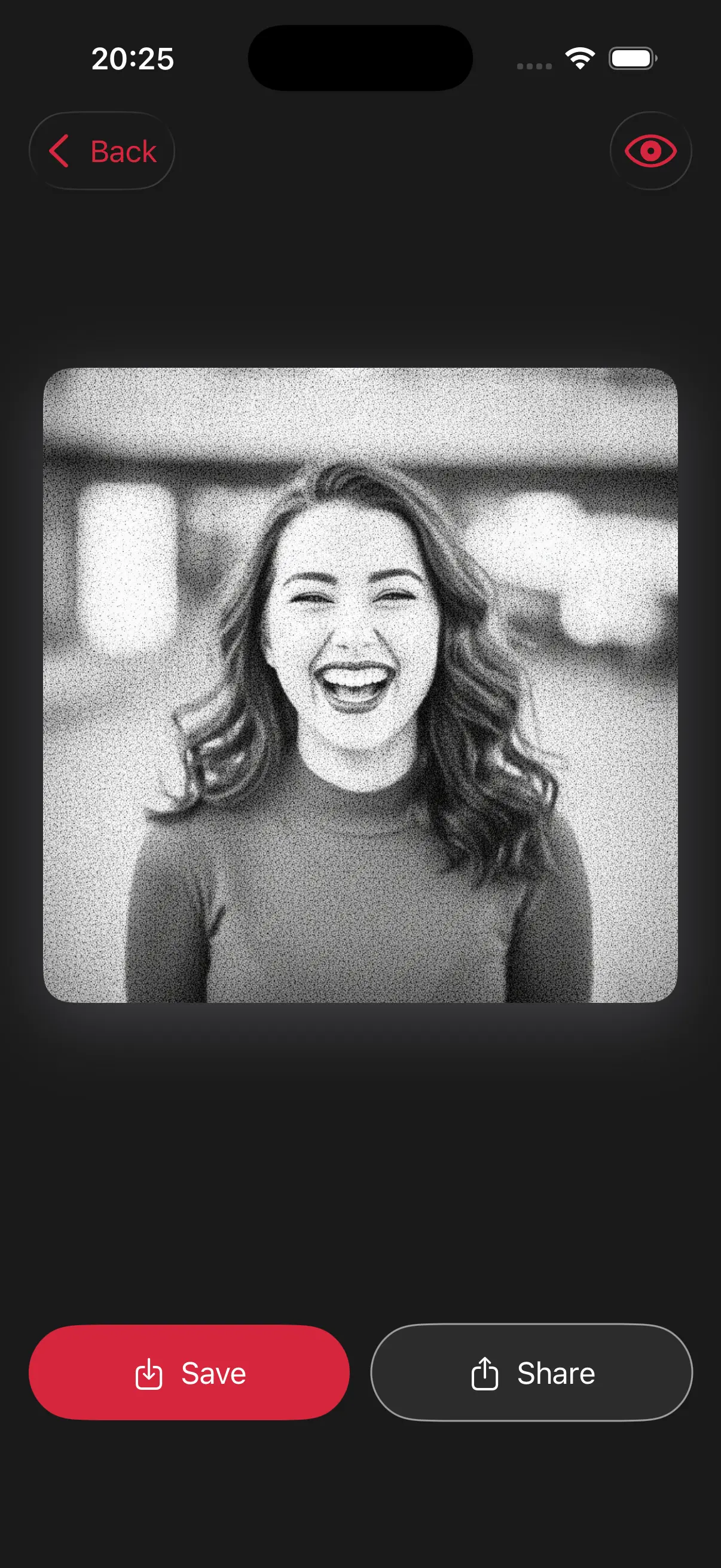
Image is automatically converted into a stipple drawing.
Save and Share
Once you're done, save the new image directly to your camera roll or share it.
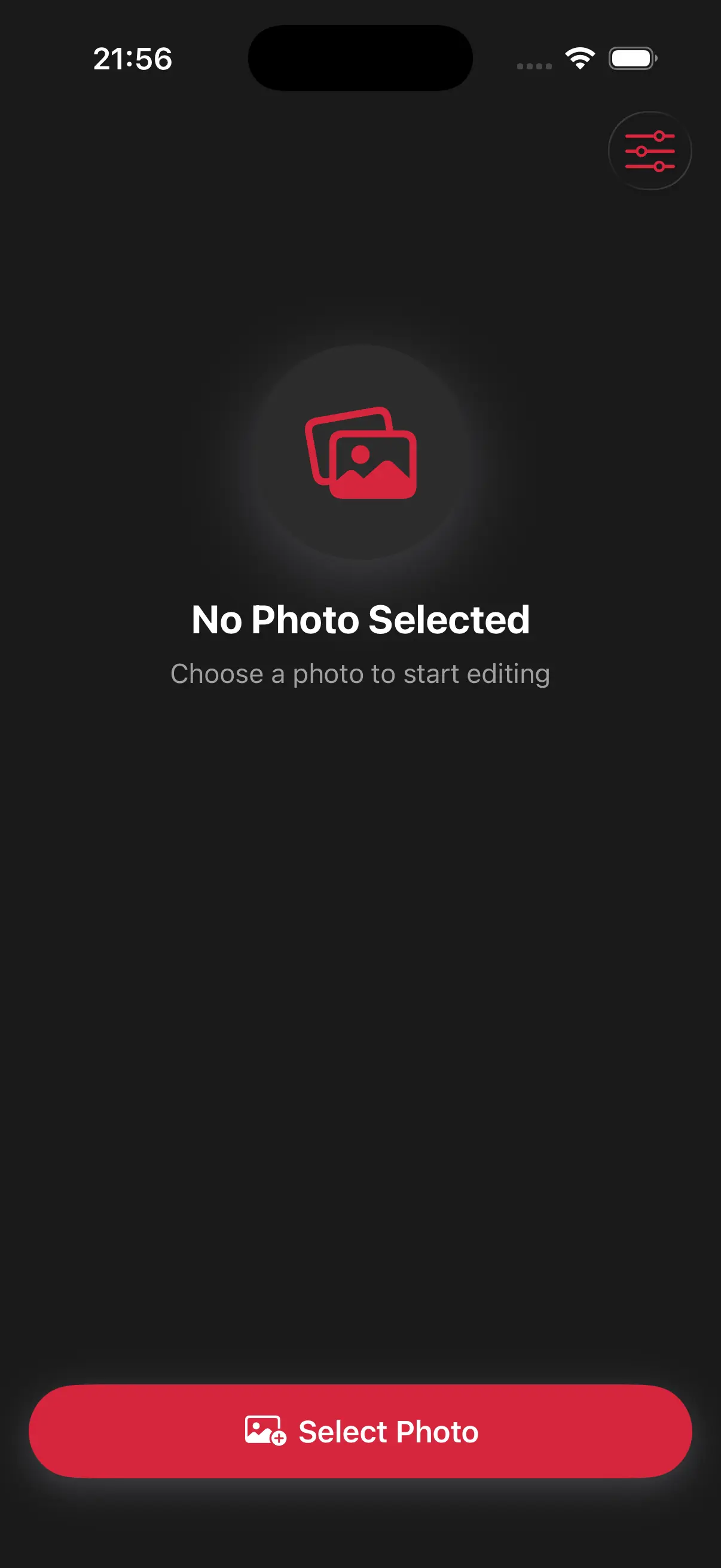
Choose image from your photo library
Easily upload any image from your photo library into the app to get started. Whether it's a personal photo or group photo, our app is ready to handle it.
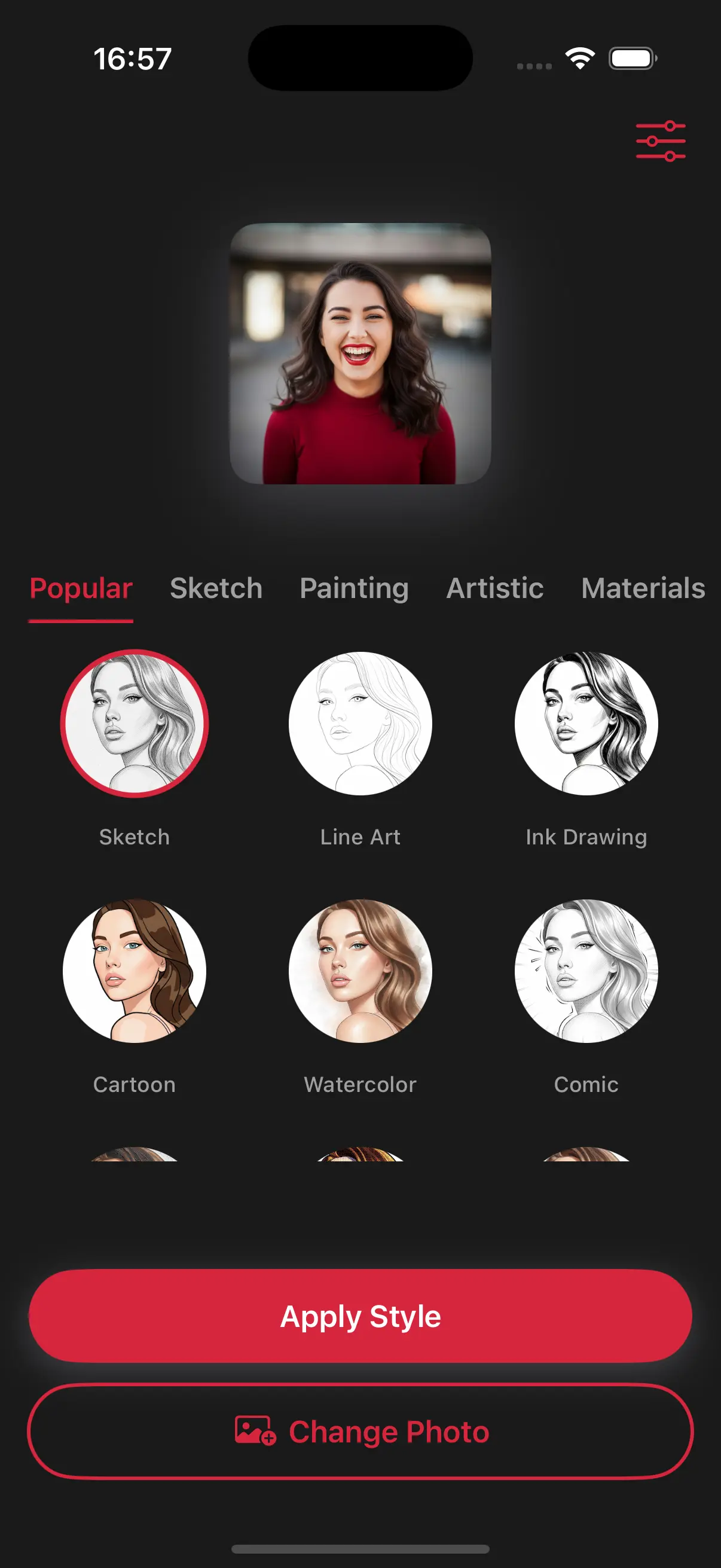
Choose a drawing style
Select a drawing style from a variety of options. See the transformation in real-time as your photo is converted into stunning art.
Create Beautiful Stipple Drawings
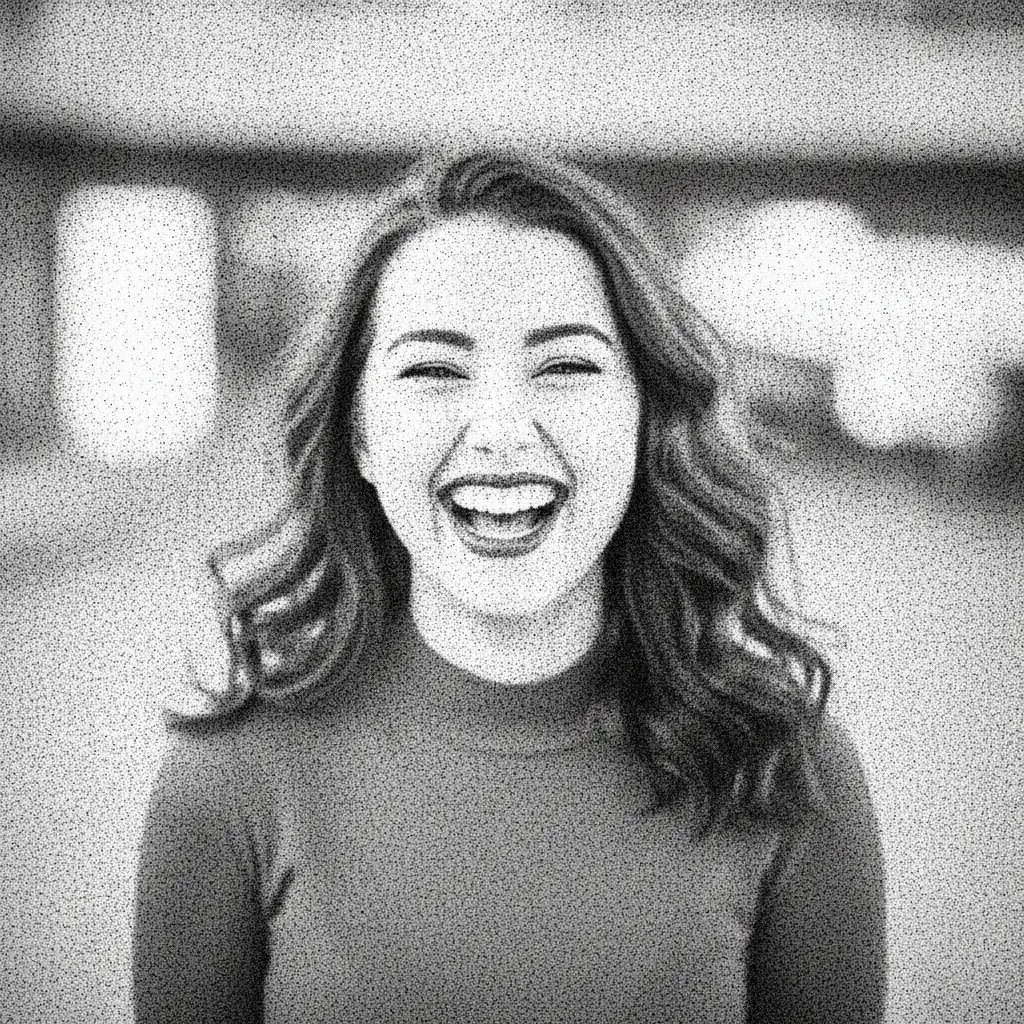
Our app places every dot perfectly to show the details of your face or scenery. The result is a highly detailed, textured image that looks incredibly intricate and professional.
Frequently Asked Questions
What is a stipple drawing?
Stippling is a drawing technique where the entire image is created using dots. The more dots in one area, the darker the shadow.
Does it take a long time to generate all those dots?
Not at all. Despite the complexity of the art, the app processes the thousands of tiny dots in just a few seconds so you can save your art instantly.
Will my photo be recognizable if it's made of dots?
Yes. The AI places more dots in darker areas and fewer in light areas, which creates a high-definition image that looks clear even from a distance