 Remove Shadow in Photo
Remove Shadow in Photo
Remove Shadow in Photo
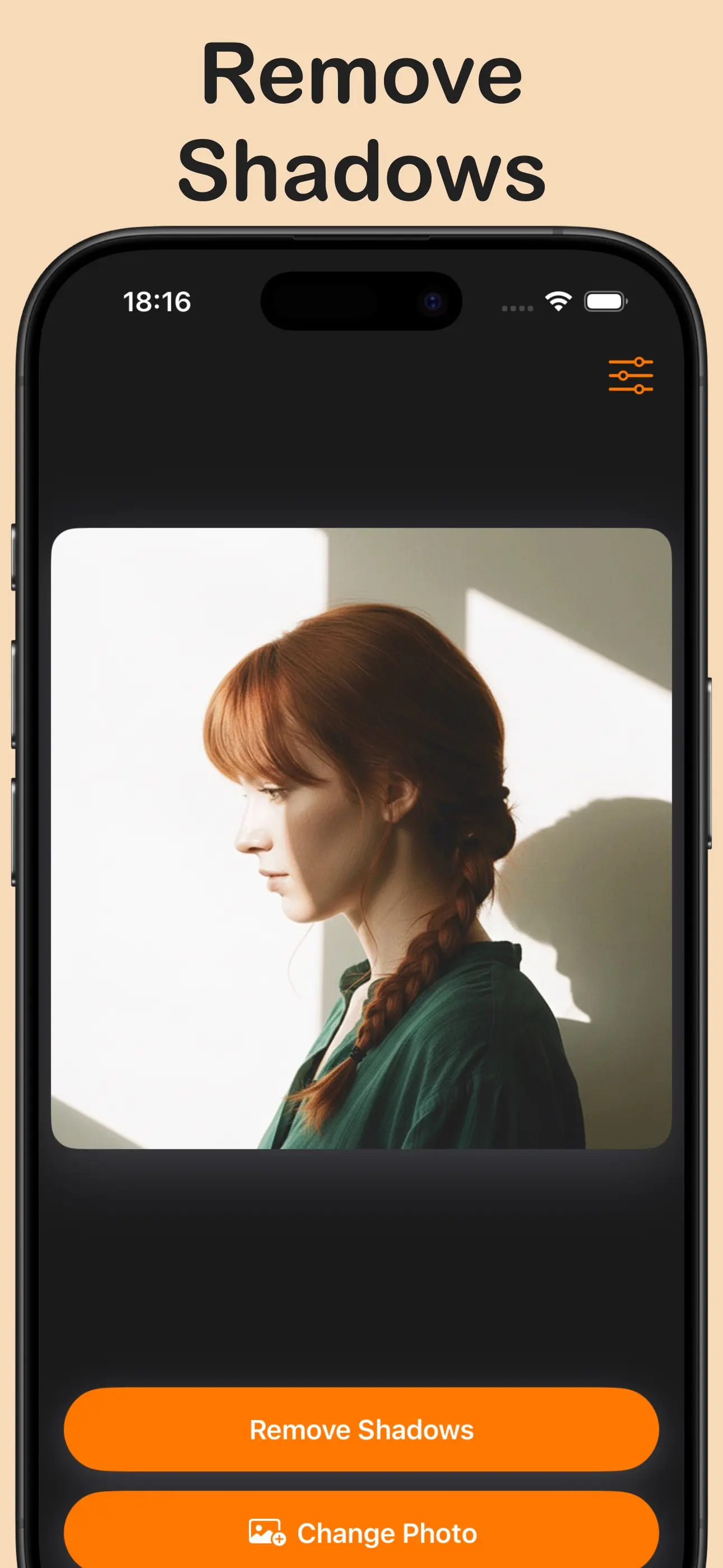
Automatically detect and remove shadows from your photos.
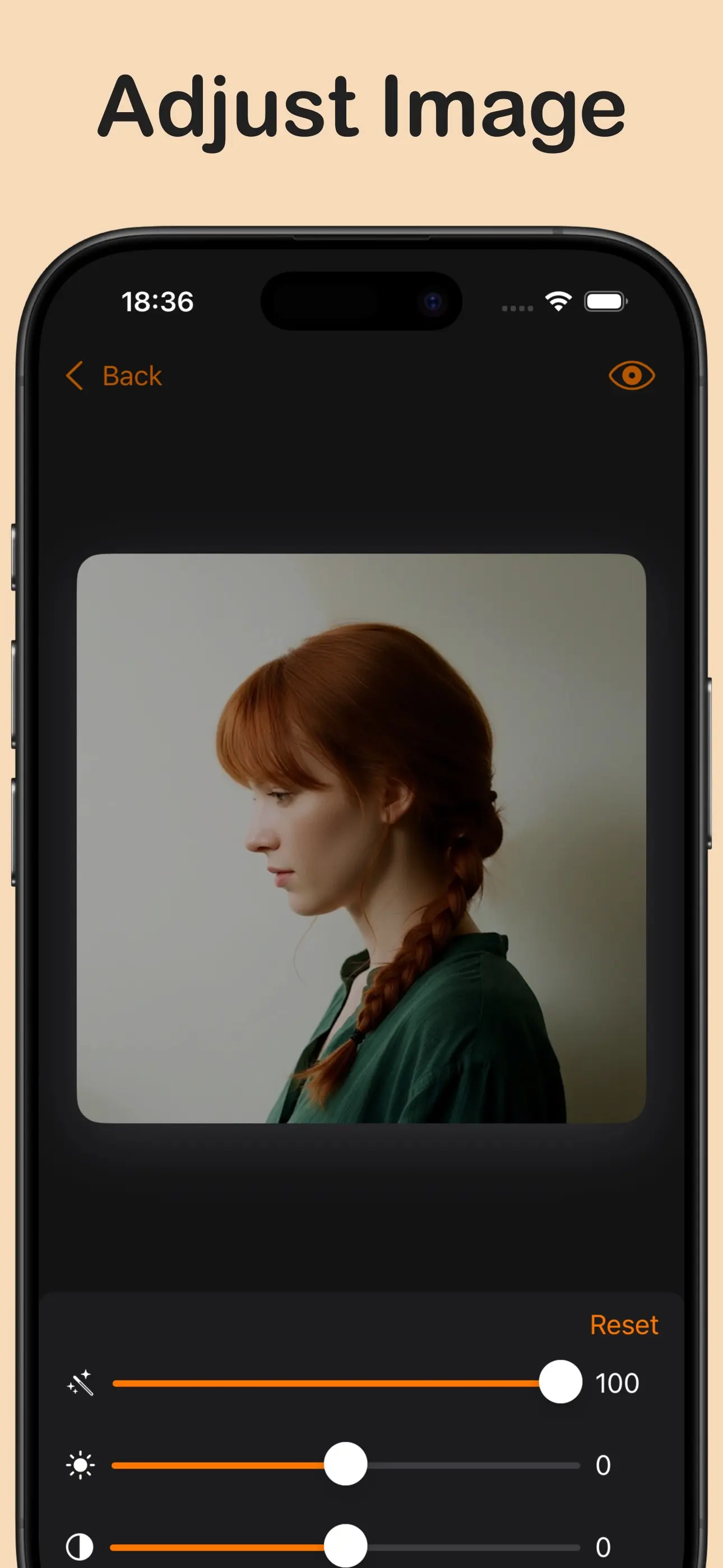
Adjust brightness and contrast to your liking.
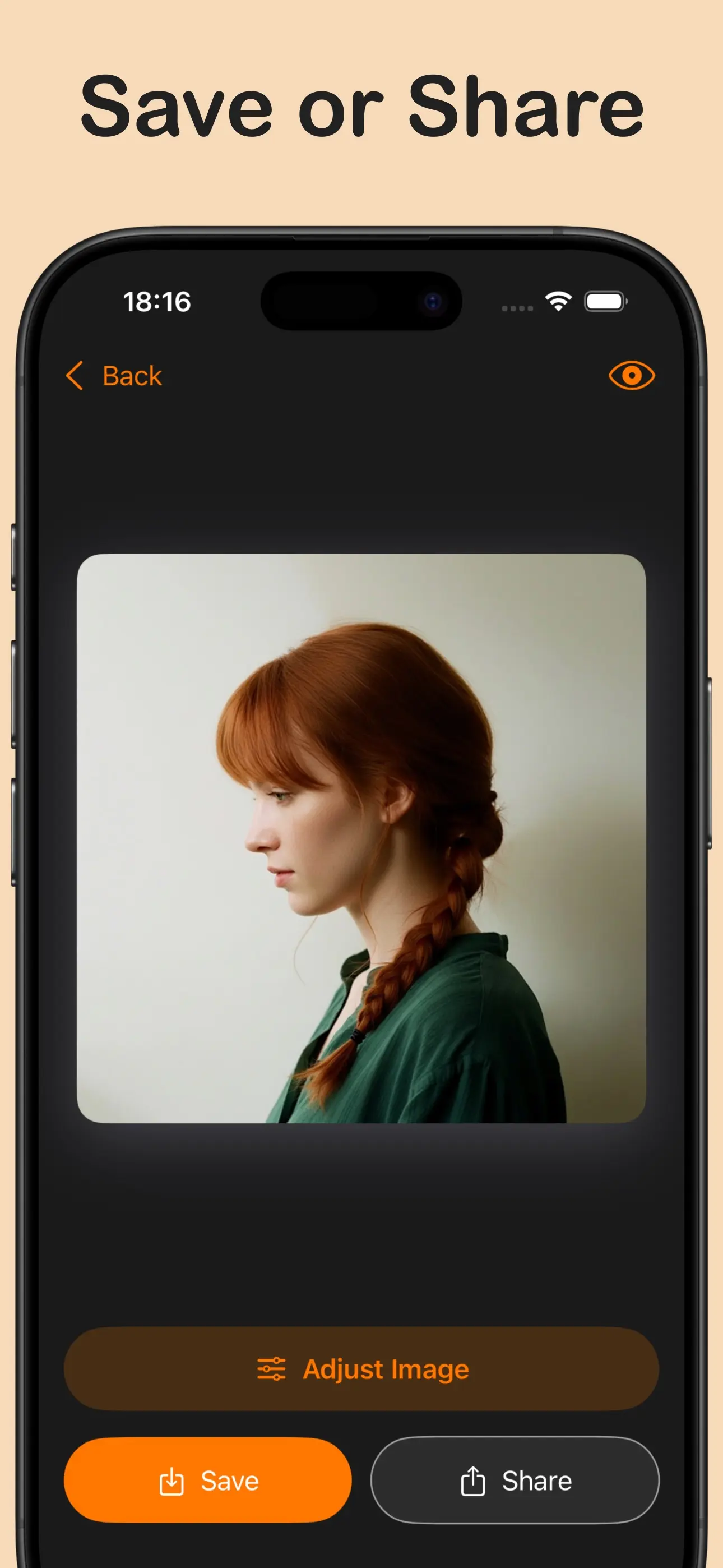
Export images and share them instantly.
Automatically detect and remove shadows from your photos.
Adjust brightness and contrast to your liking.
Export images and share them instantly.
Remove Shadow in Photo is an app designed to eliminate unwanted shadows and brighten dark areas in your images. Using advanced artificial intelligence, the app automatically detects shadow regions and intelligently removes them while preserving image quality and detail. Whether you're dealing with harsh shadows from outdoor photography, indoor lighting issues, or facial shadows in portraits, this shadow removal tool handles it all. Simply load your photo, let the AI analyze and remove shadows, then adjust brightness and contrast to perfection. The app works on any type of image—product photos, portraits, landscapes, or documents—making it ideal for photographers, content creators, and anyone looking to enhance their image quality. All processing happens quickly and efficiently, delivering natural-looking results without complicated editing tools.
Remove Shadow in Photo easily eliminates shadows. It's fast, intuitive, and delivers professional results without requiring photo editing expertise.
AI automatically detects and removes shadows in seconds.
Brighten dark areas and improve overall photo clarity.
Get natural-looking, edited images without complex tools.
Works perfectly for portraits, products, landscapes, and documents.