 Photo Combiner
Photo Combiner
Photo Combiner
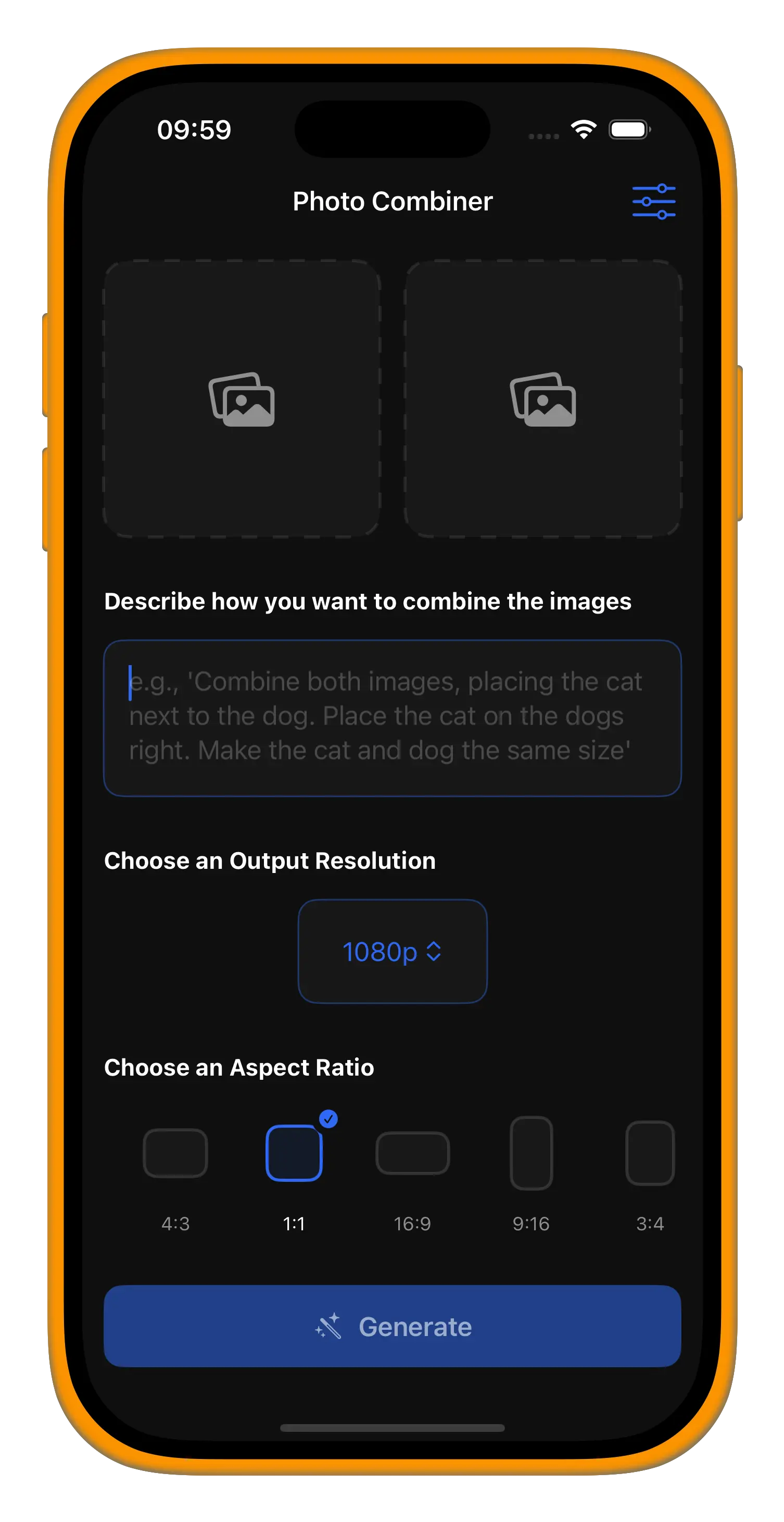
Pick photo, choose resolution and aspect ratio
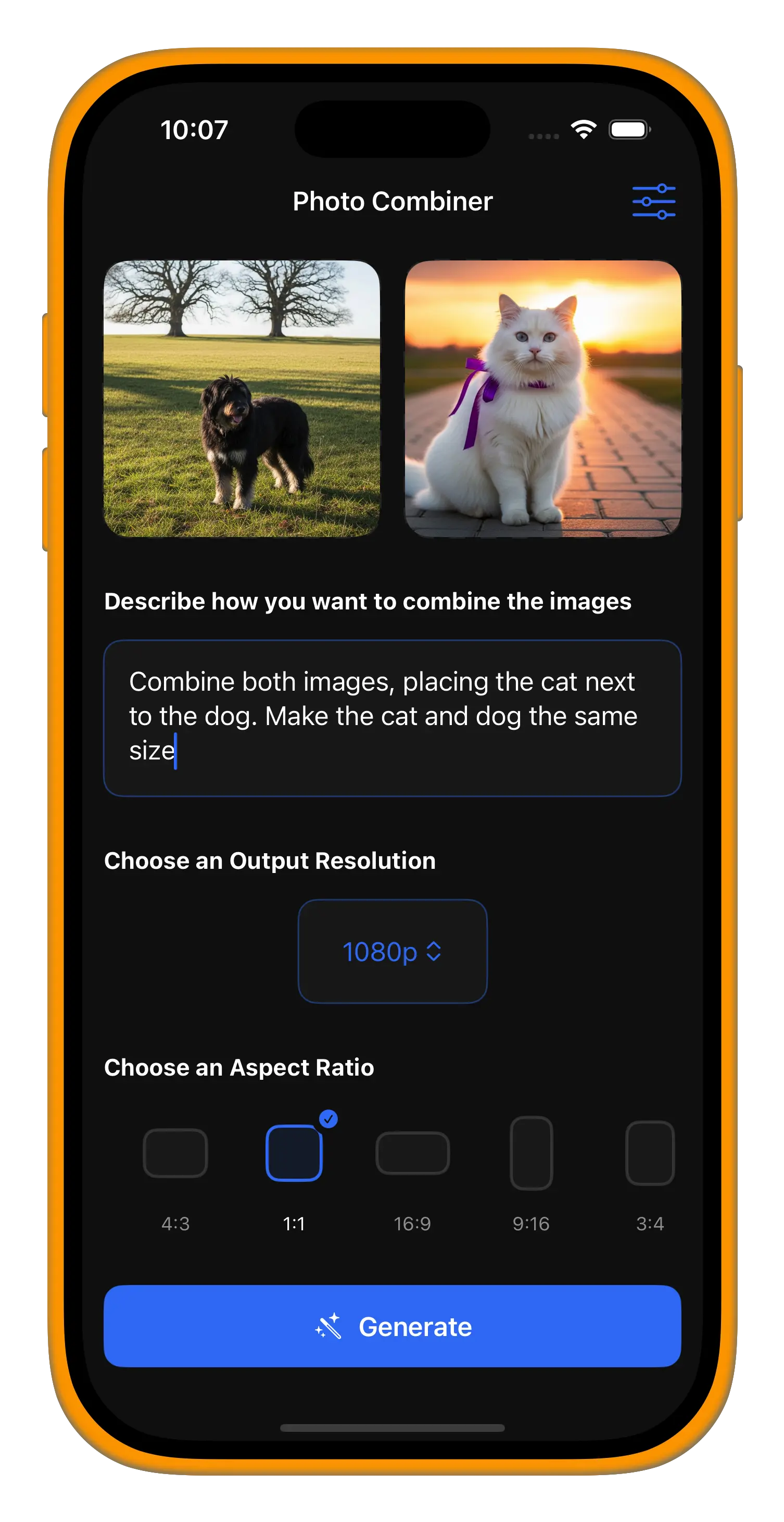
Describe how you want them combined
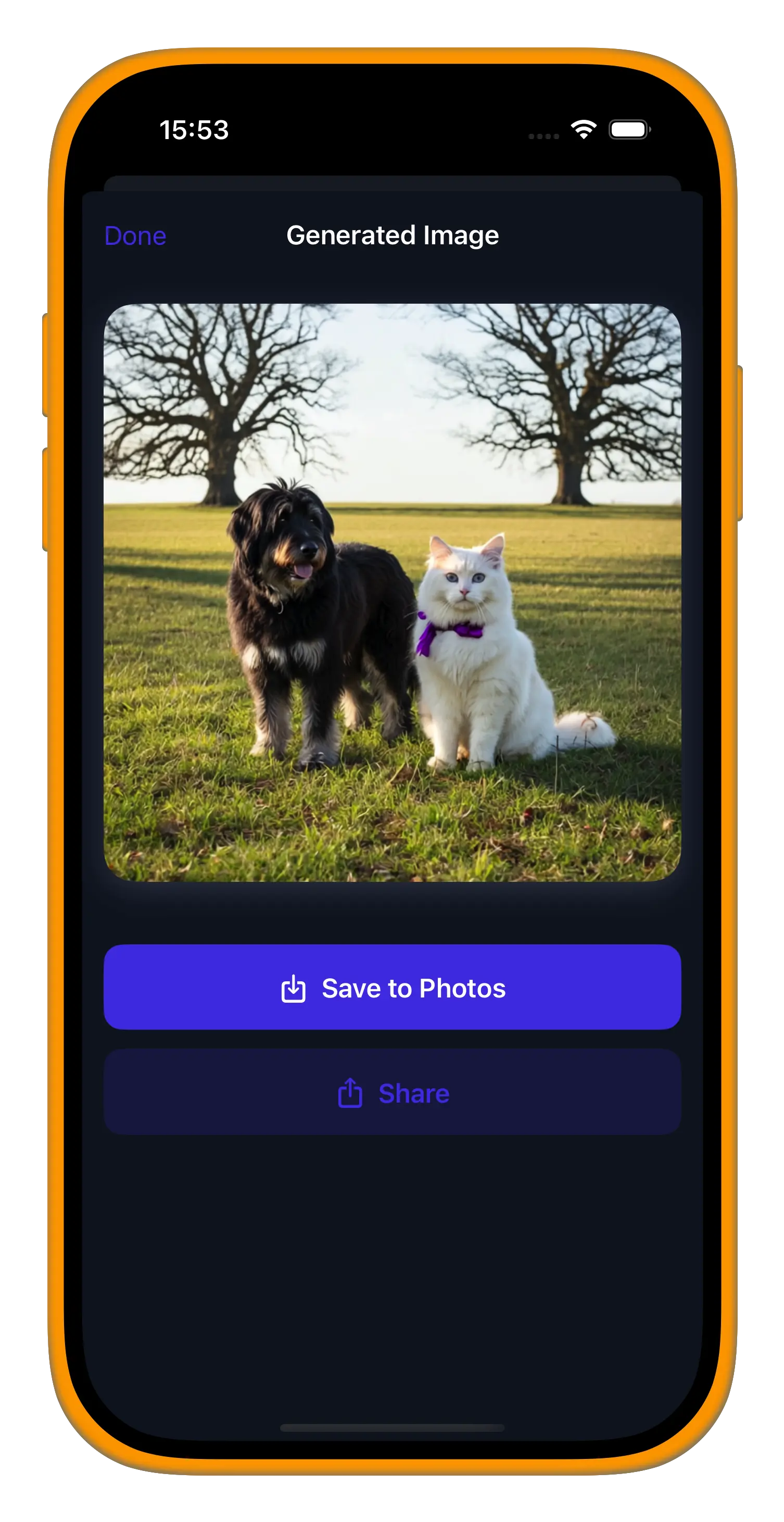
Download your final image instantly
Pick photo, choose resolution and aspect ratio
Describe how you want them combined
Download your final image instantly
Photo Combiner is an AI photo merge app that makes it simple to combine two photos into a completely new image. Instead of adjusting layers or using complex editing software, you just choose your photos, type a short text prompt, and the app generates the result automatically. This photo blending app is designed to be straightforward, giving you a creative way to experiment with images without requiring editing experience. Whether you want to combine photos for fun, explore artistic ideas, or create unique visuals for social media, the process is quick and accessible. You can export results in 720p or 1080p resolution and choose aspect ratios that fit different platforms or print sizes. With AI handling the hard work, Photo Combiner provides a natural and easy way to explore photo merging, making it a useful tool for anyone interested in AI-powered creativity and simple photo editing.
Photo Combiner is designed for simplicity and creativity. Whether you want to experiment with ideas, create unique visuals, or just have fun combining photos, the AI-powered workflow makes it easy and accessible for everyone.
Combine two photos into one unique image with just a prompt.
Use text prompts to guide how your photos should be merged.
Export in 720p or 1080p resolution with multiple aspect ratios.
An intuitive interface makes AI-powered merging accessible to everyone.