

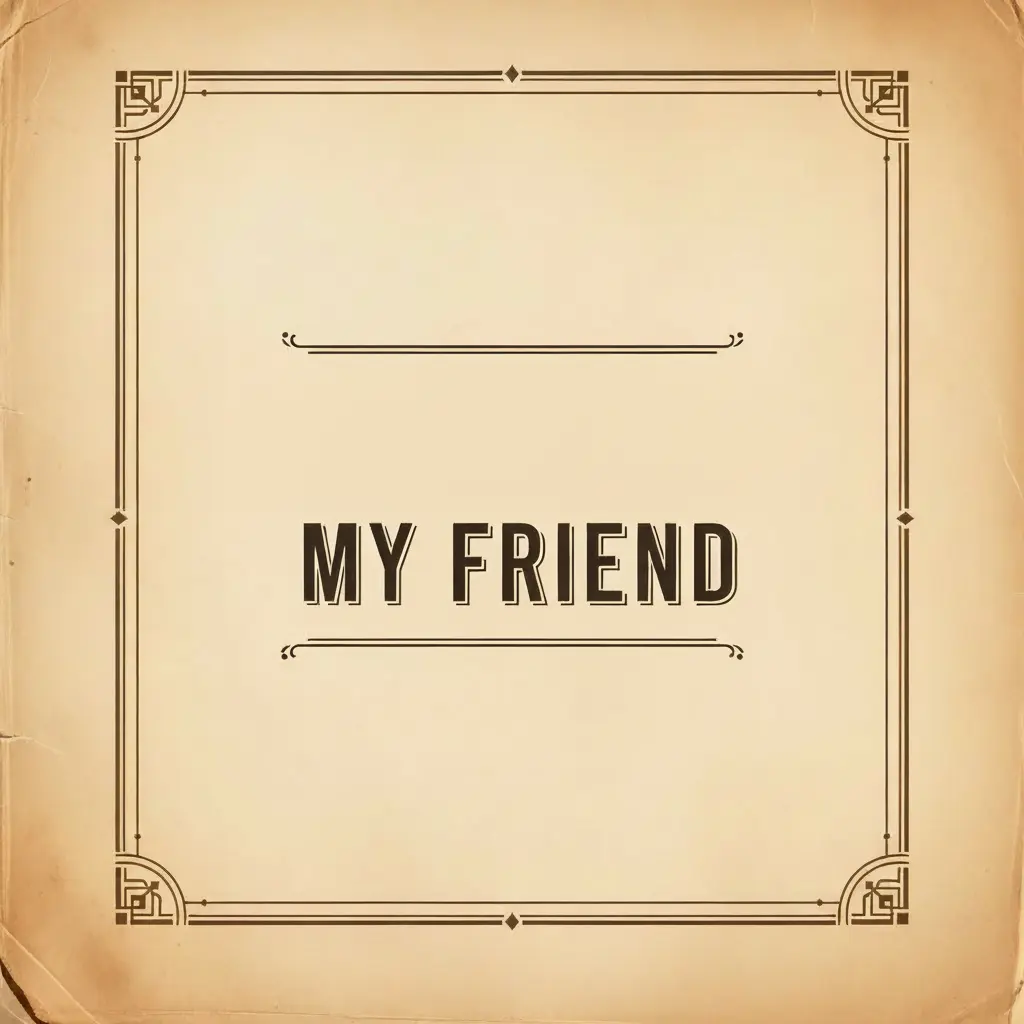
How to Remove Unwanted Text from An Image
Upload Your Image
Open the app and select your image from your photo library to get started.
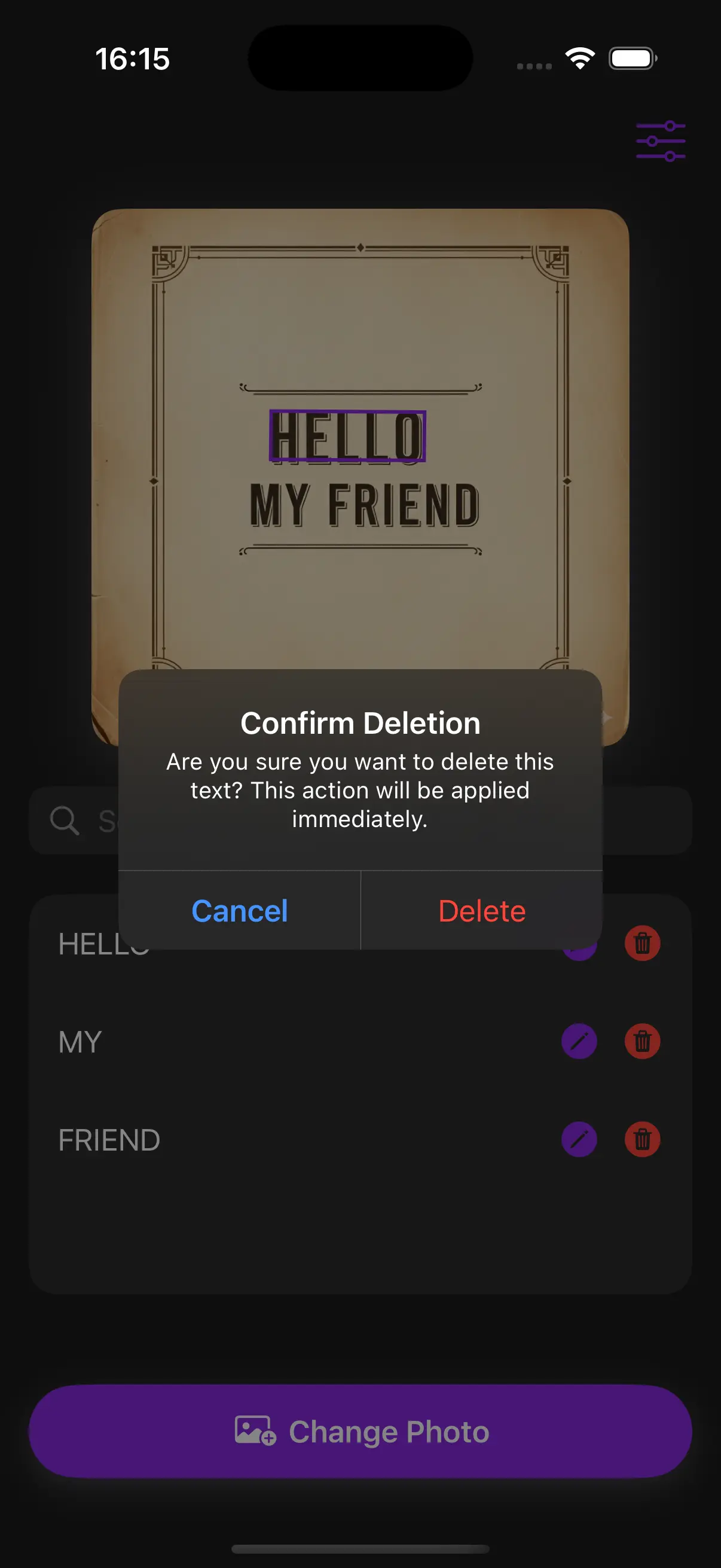
App Detects Text
Our AI automatically detects text and displays a list of text for you to select for editing.
Delete the Text
Tap the delete button next to the text you want to remove.
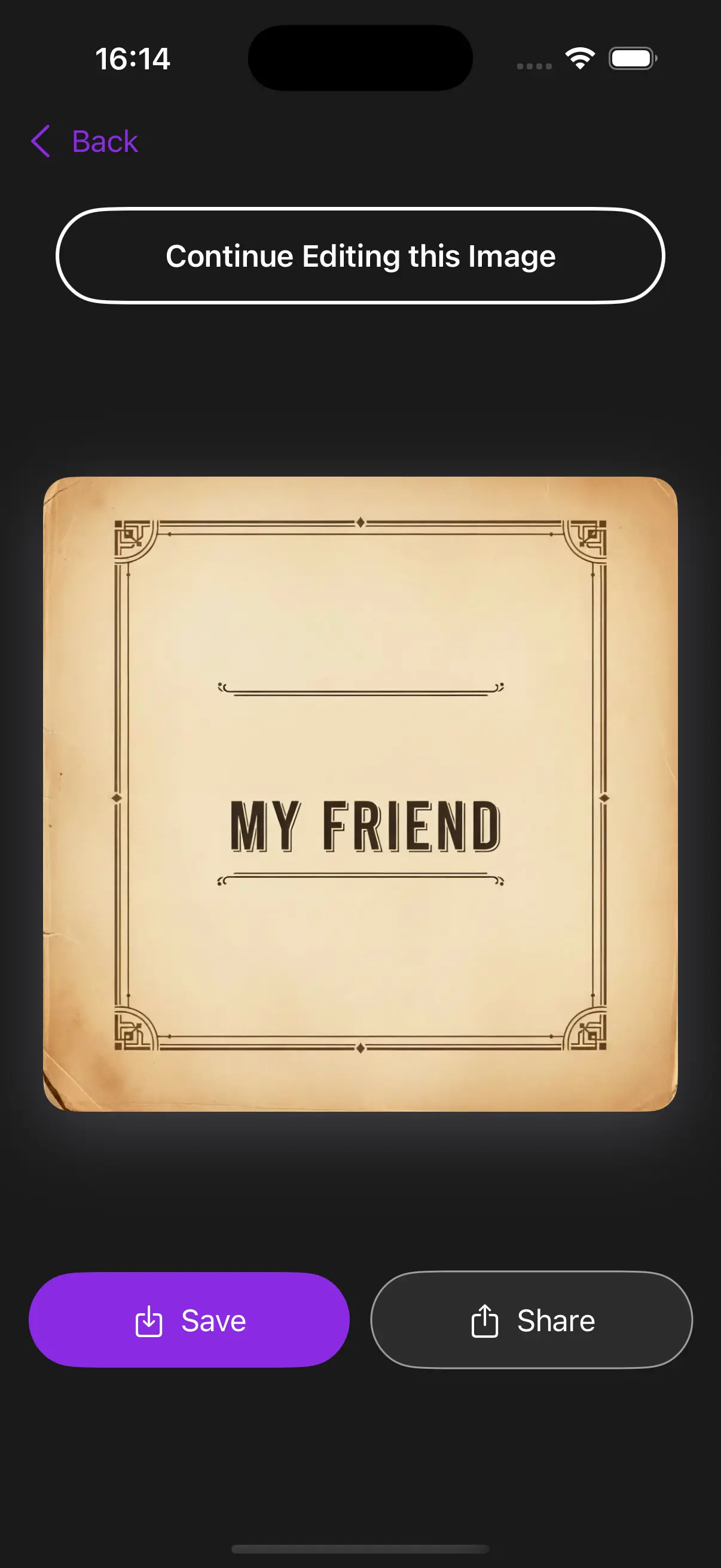
Save and Share
Once you're done, save the new image directly to your camera roll or share it with a single tap.
One Tap Removal
Perfect for content creators who need to repurpose their content. By removing text in your photos, you can repurpose graphics, clean up memes, or remove distracting signs from travel pictures without needing complex editing skills.
Seamless Text Deletion
When you choose to delete a word, our app doesn't just leave a blank space. It uses content-aware technology to fill the area with the surrounding textures and colors, ensuring the 'removed' area is completely invisible to the eye.
Frequently Asked Questions
Will removing text leave a blur on my photo?
Our tool is designed to minimize blurring. By detecting the text precisely and filling the background based on surrounding pixels, it creates a much cleaner result than traditional 'erasing' tools.
Is it possible to remove text in photos with busy backgrounds?
Yes, the AI analyzes the patterns in the background to fill in the gaps. While it works best on uniform backgrounds, it is highly capable of handling textures like grass, sky, or fabric.
Can I choose which words to delete and which to keep?
Exactly. After the app scans your photo, you'll see a list of all detected text. You can choose to delete only the specific words you want gone while leaving the rest of the image untouched.
How long does it take to process an image?
Most images are processed in under 3 seconds. The app quickly detects the text list and generates your 'cleaned' photo almost immediately after you make your edits.