


How to use the Photo Text Editor
Upload Your Image
Open the app and select your image from your photo library to get started.
App Detects Text
Our AI automatically detects text and displays a list of text for you to select for editing.
Edit Text
Simply tap on any text block to change, replace, or delete it instantly.
Save and Share
Once you're done, save the new image directly to your camera roll or share it.
Automatic Text Detection
Our editor scans your image and presents every word in a clean, organized list. This allows you to manage multiple text elements at once, ensuring you never miss a hidden caption or a small date stamp that needs changing.
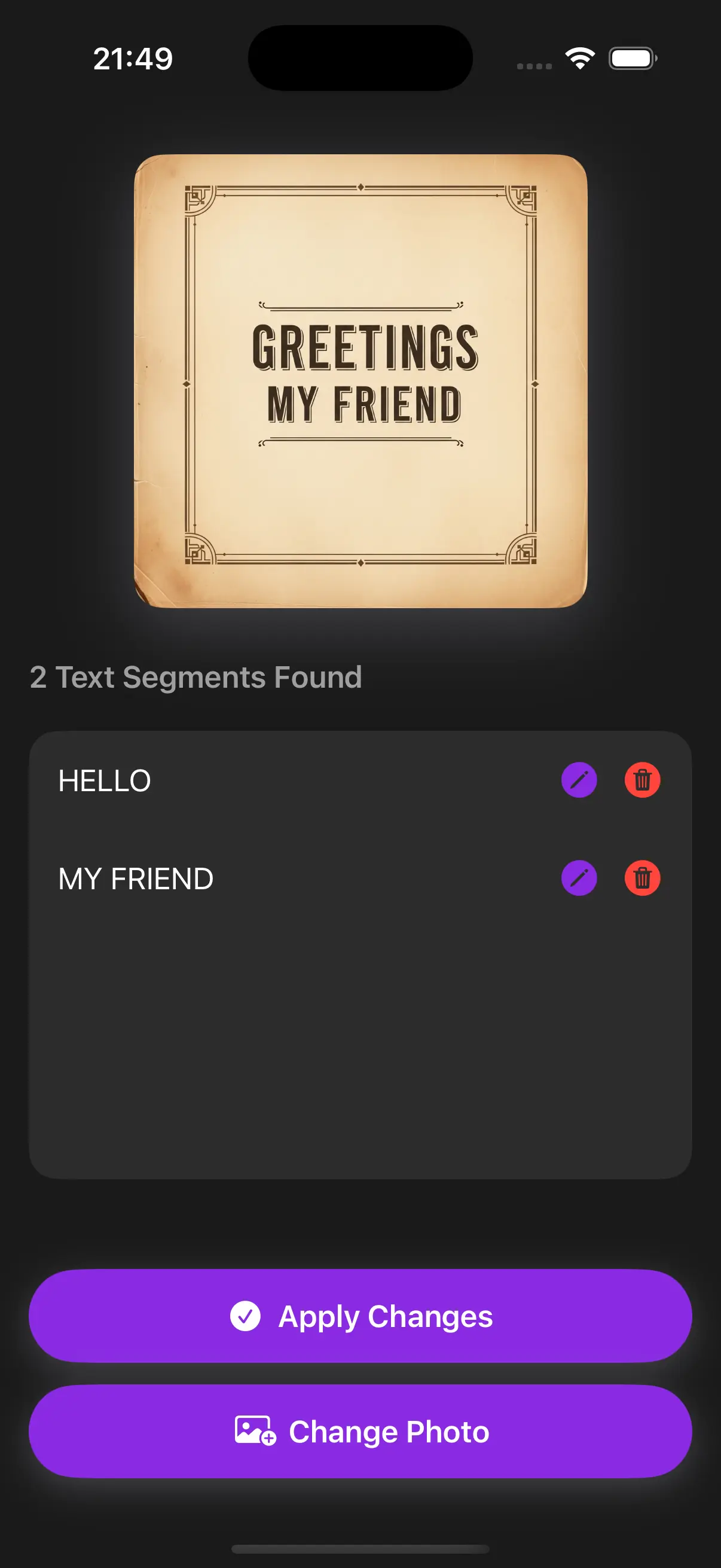
Simple Image Text Editor
Edit any detected text directly within the app. Whether you want to change a name, correct a typo, or update a date, our user-friendly interface makes it easy to make precise edits.
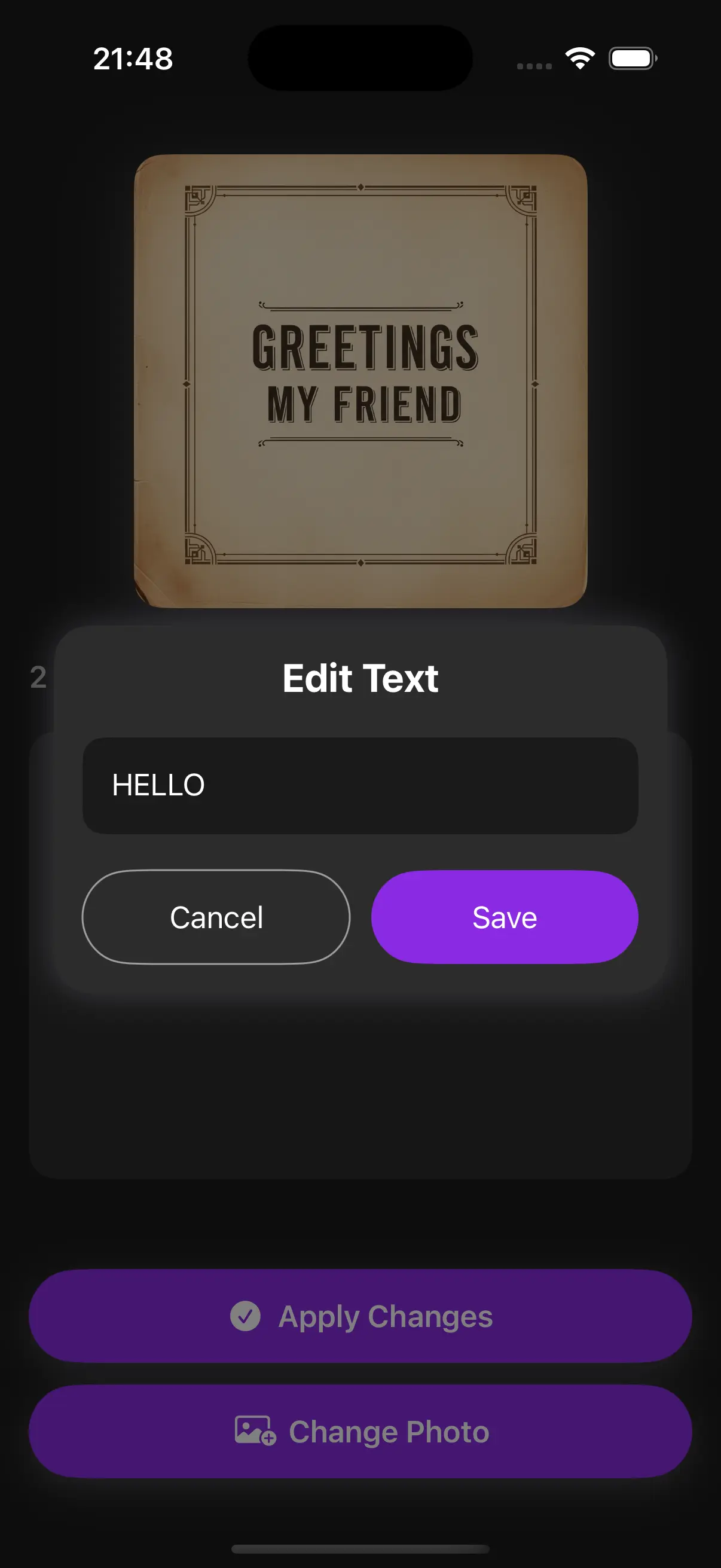
Preserve Original Fonts and Style
When you replace a word, the app analyzes the original typeface and replicates it perfectly. Your edits won't look like stickers; they will look like they were part of the original graphic from the start.
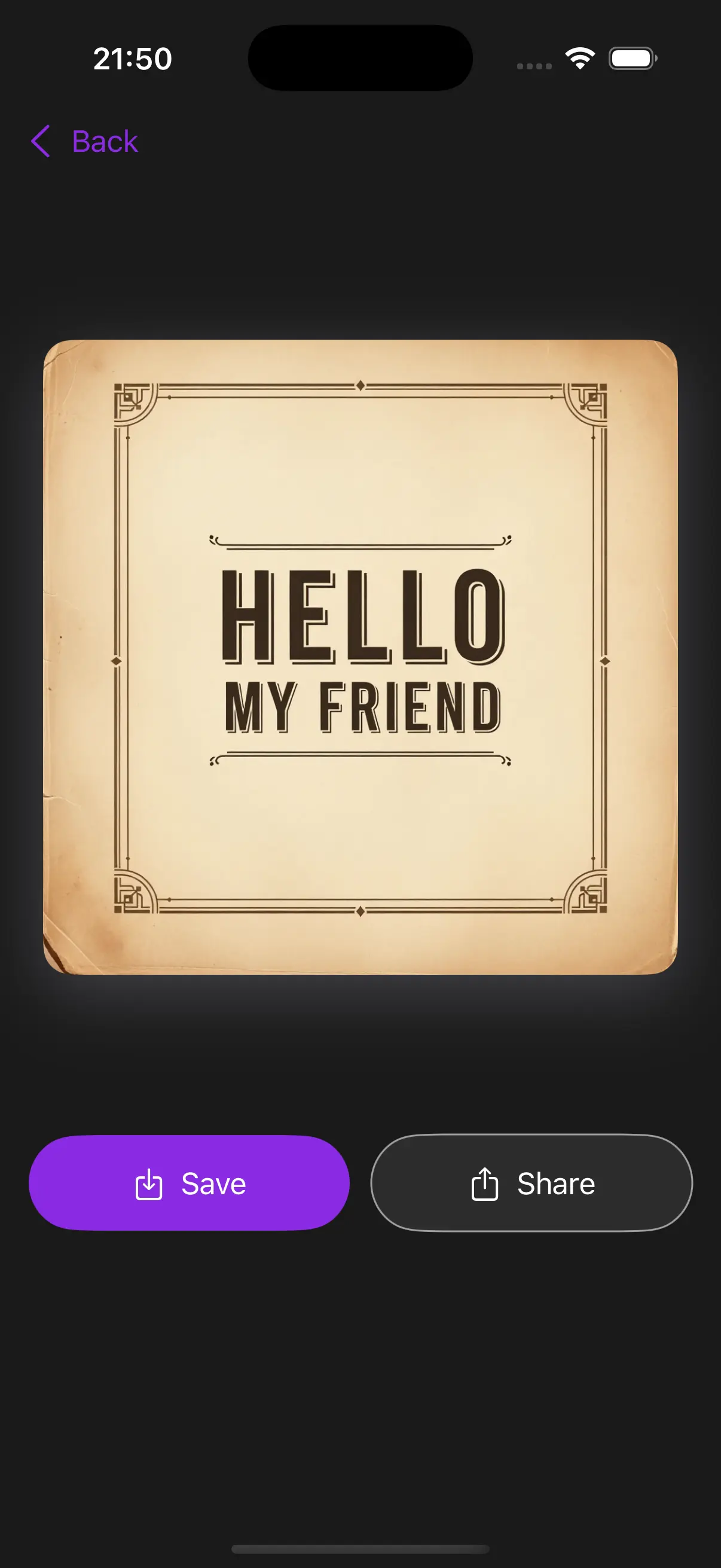
Frequently Asked Questions
How do I use the Text Editor?
Simply download the app, upload your image and get started. It's designed to be intuitive and user-friendly.
How does the app know which font to use?
The Photo Text Editor uses advanced AI to analyze the fonts in your uploaded image. It then recreates your new text using those same font styles for a perfect match.
Does it work on screenshots?
Absolutely. It is highly effective for editing screenshots of messages, social media posts, or app interfaces where you need to change a name or number while maintaining the same style.
Do I need to manually select the text area?
No. Just upload your picture and the app will automatically highlight and list all detectable text for you to change.
Is there a limit to the number of words I can edit?
There is no set limit. You can edit as many text elements as are detected in your image.
What devices are supported?
The app is currently available on iOS. Download it from the App Store to get started on your iPhone or iPad.